How to manage existing currencies in HubSpot
Here is how to manage existing currencies in hubspot
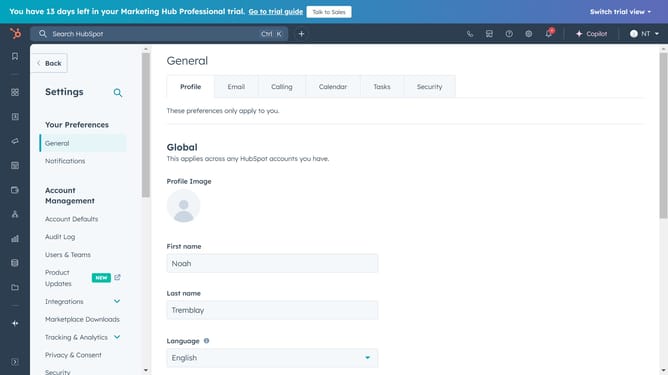
- First click on the gear icon in the top navigation bar to access settings
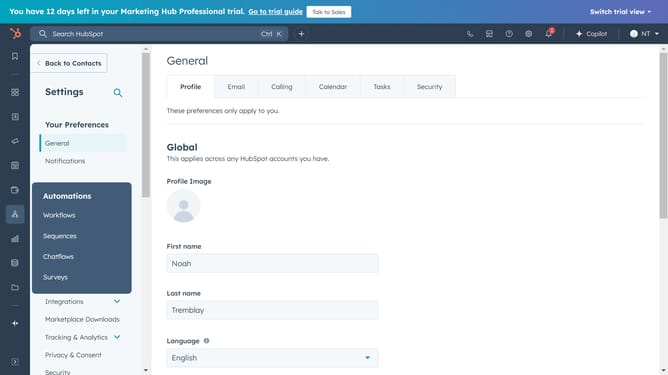
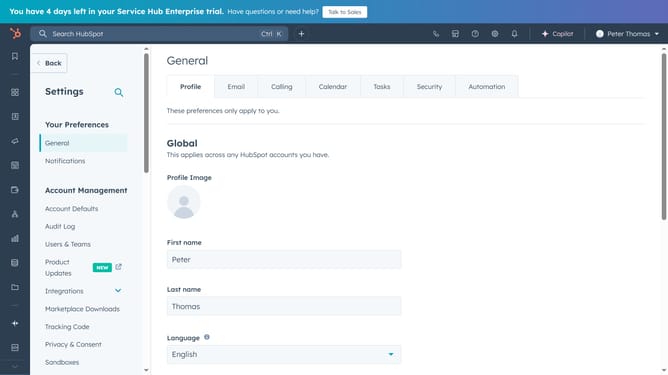
- Then click on "Account Defaults" in the left sidebar menu under Account Management section
- Next click on the "Currency" tab in the Account Defaults section
- In the currencies list, you'll see your company currency, the currency used in deal amount totals and reports
- To change the default currency, hover over it and click the "Actions" dropdown menu
- Select "Edit company currency" option from the dropdown menu
- Click on the currency dropdown field in the Edit company currency modal
- Search and select your desire new currency in the currency selection dropdown
- Next to remove an existing currency, hover over it and click the "Archive" button
- For more settings options, click on the "Actions" dropdown menu
- Then from the dropdown menu, you can update the exchange rate, view the currency history, or set it as your company currency as needed
- And you can add a new currency by clicking on "Add Currency" button in the top right corner
Why should you manage existing currencies in HubSpot
HubSpot is a comprehensive platform designed to streamline marketing, sales, and customer service operations.
Effectively managing existing currencies in HubSpot empowers businesses dealing with international clients to maintain accurate and organized financial data. This feature allows companies to adjust currency settings to align with the global transactions they handle.
The ability to manage currencies enhances financial reporting by ensuring consistency across different regions. It simplifies the process of dealing with multiple currencies, making global business operations more efficient and seamless.
Last update