How to manage a file's access in HubSpot
Here is how to manage a file's access in hubspot
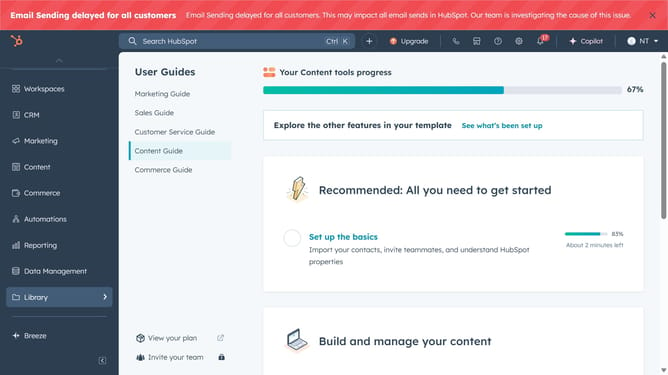
- First click on the "Library" option in the left sidebar
- Then click on "Files" in the expanded Library menu
- Next hover over the file you want to manage and click on "Actions" dropdown button
- Click on "Manage access" option in the Actions dropdown menu
- In the access settings dialog, choose who can access the file
- If you select "Select users and teams who can access", then choose the specific teams or users
- Finally click on the "Save" button at the bottom to save the changes
Why should you manage a file's access in HubSpot
HubSpot is a powerful platform designed to facilitate seamless marketing, sales, and service operations.
Effectively managing a file's access in HubSpot ensures that sensitive information is only available to intended users, enhancing data security and collaboration. This feature allows you to control permissions, maintaining oversight and ensuring that your teams can work efficiently and securely.
By harnessing HubSpot's file access management features, businesses can protect critical data while fostering an environment of trust and productivity. This balance between security and accessibility enables teams to focus on delivering exceptional results.
Last update