How to sync ownership between contacts and companies in HubSpot
Here is how to sync ownership between contacts and companies in hubspot
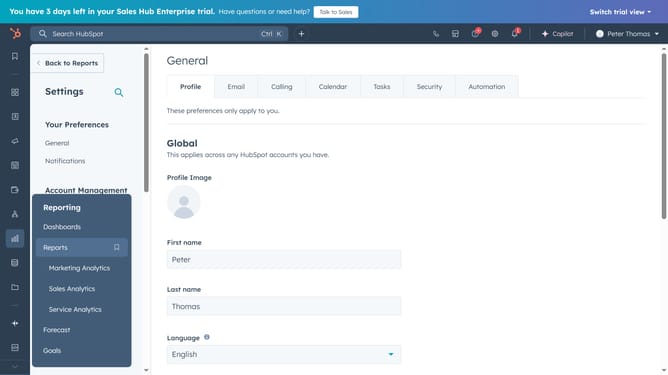
- First click on "Settings" button in the top navigation bar
- Then click on "Objects" dropdown menu in the left sidebar
- Next click on "Contacts" option under the Objects menu
- Then click on "Setup" tab in the main content area
- Next in the "Automation" section, select the checkbox to Assign company owner to contact by default
- Contact and company ownership will now stay automatically in sync
Why should you sync ownership between contacts and companies in HubSpot
HubSpot is an integrated platform designed to streamline your marketing, sales, and customer service processes.
Synchronizing ownership between contacts and companies in HubSpot ensures consistency and efficiency within your CRM. This feature allows for seamless alignment, ensuring that team members can manage client relationships effortlessly.
Effective sync reduces data discrepancies and enhances collaboration, leading to more cohesive and informed decision-making across departments.
The result is improved productivity and a more personalized customer experience.
Last update