How to create a list in HubSpot
Here is how to create a list in hubspot
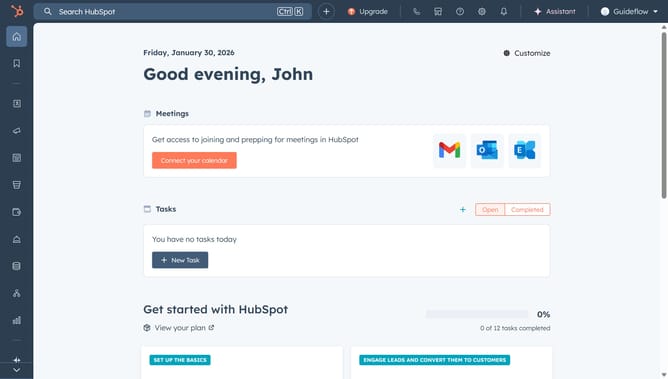
- First in the left sidebar, click on CRM and select "Lists" from the options
- Then click on the "Create list" button in the top right corner of the Lists page
- Select the object with the records you want to segment in your list
- Give your list a name
- Select the type of list, either Active or Static
- Click on the "Add filter" button in the Filters section
- Select the object for which to set filters
- Next select a filter category
- You can add more filters, and refine them with AND/OR filters
- Finally, click on the "Save list" button in the top right corner
Why should you create a list in HubSpot
HubSpot is a dynamic platform designed to streamline marketing, sales, and customer service for businesses of all sizes.
Creating a list in HubSpot allows you to organize your contacts by specific criteria, ensuring your marketing efforts are targeted and efficient.
This feature helps tailor communication to different audience segments, enhancing engagement and nurturing leads effectively.
Harness the power of personalized marketing with customized lists, making every interaction count while improving overall campaign outcomes.
Last update