How to create knowledge base tags in HubSpot
Here is how to create knowledge base tags in hubspot
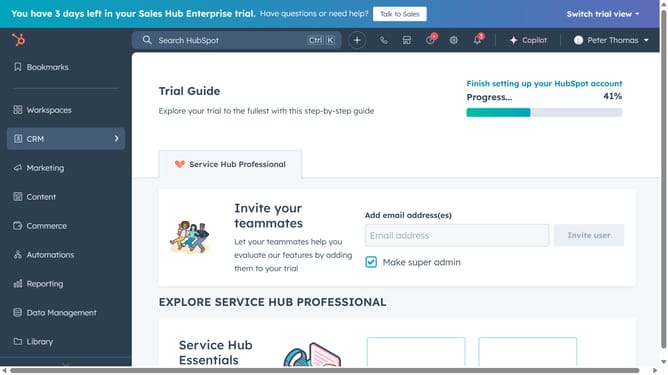
- First click on the "Content" option in the left sidebar
- Then click on "Knowledge Base" item in the content menu
- Click on the name of an article in the knowledge base articles list
- Next click on the "Settings" button in the top-right corner of the article editor
- Select "Tags & metadata" tab in the Settings modal window
- Click on the tags dropdown field to open tag selection
- To create a new tag, click on "Add a tag" link at the bottom of the tags dropdown
- Enter the tag name in the Add a tag dialog
- Then click on the "Create" button
- Alternatively, click on the tags dropdown field to open tag selection
- Next type the name of your new tag in the search field
- Then click the "Add "[tag name]" tag"
- You have successfully created a new tag, which can now be applied to any of your articles
Why should you create knowledge base tags in HubSpot
HubSpot is an all-in-one platform designed to enhance your marketing, sales, and customer service efforts.
Creating knowledge base tags in HubSpot allows users to effectively categorize content, making information retrieval quicker and more intuitive. These tags help in organizing vast amounts of data which can significantly improve the user's search experience, helping them find relevant information effortlessly.
By utilizing these tags, businesses can streamline internal processes, ensure consistency, and enhance customer satisfaction through efficient content management.
Last update