How to edit an existing property in HubSpot
Here is how to edit an existing property in hubspot
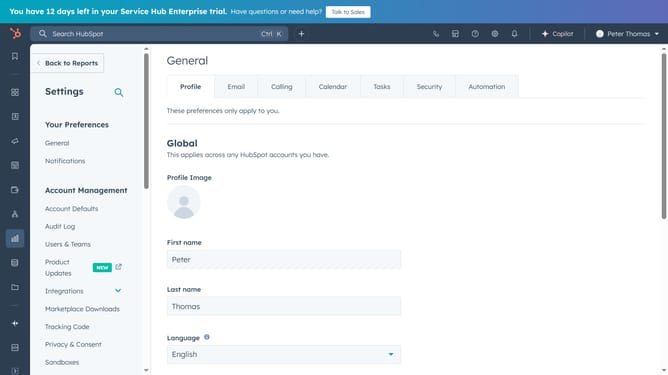
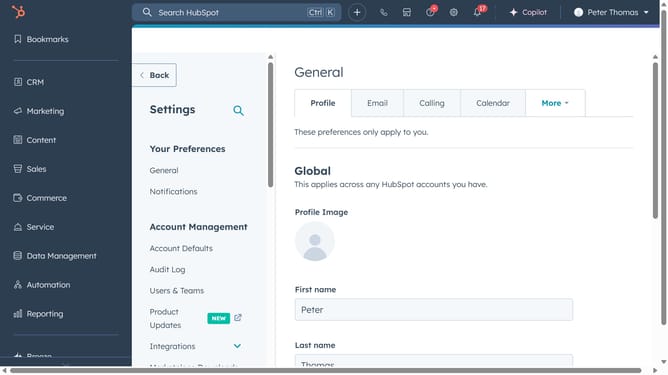
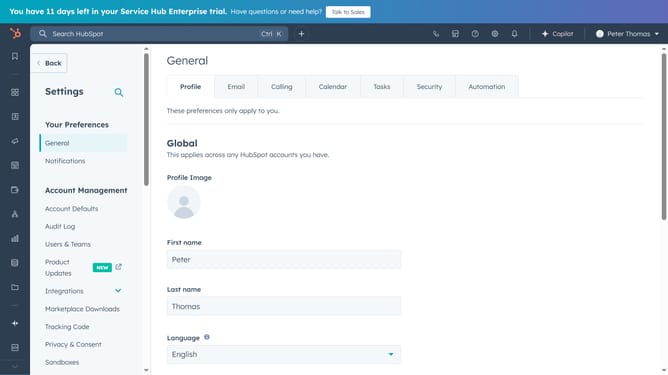
- First, navigate to Settings and click "Properties" in the left sidebar menu
- Then click on the dropdown in the object selector
- Click on the object that corresponds to the property you want to edit
- Next use the search bar to find the property you want to edit
- Click on "Edit property" to start editing
- In the property details page, make the necessary changes to the property label, internal name
- Add description if necessary
- If needed, update the Field type Options
- Click on the "Rules" section in the left sidebar
- Review and adjust the property rules according to your needs
- Finally, click "Save" to update the property after making the changes
- The property has successfully been updated
Why should you edit an existing property in HubSpot
HubSpot is a powerful platform designed to streamline marketing, sales, and customer service processes.
The ability to edit an existing property in HubSpot is a crucial feature that enhances data accuracy and customization.
By refining property details, businesses can better tailor their communications and ensure targeted engagement with customers.
Utilizing this functionality fosters greater efficiency and ensures that your team's data aligns perfectly with evolving business needs.
Last update