How to set a different sound for each notification in Hubspot
Here is how to set a different sound for each notification in hubspot
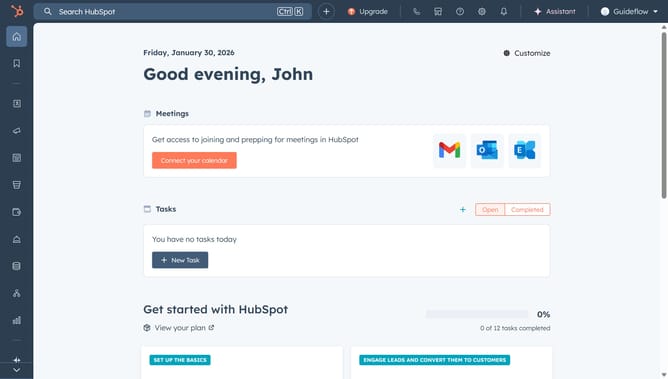
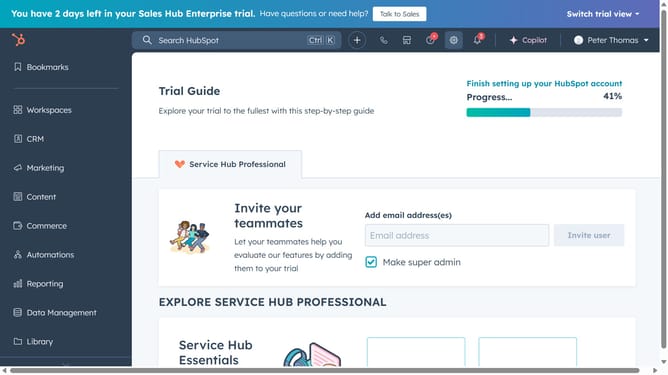
- First, click on the settings gear icon in the top navigation bar
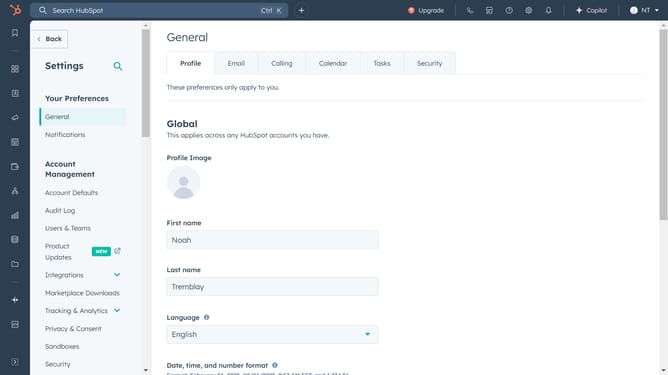
- Then click on "Notifications" in the left sidebar menu under the "Your Preferences" section
- Next, click on the sound dropdown menu and select from the notification sound options
- Finally, click the notification to change its sound in the What you get notified about section. Then, select the sound dropdown menu to select the sound
Why should you set a different sound for each notification in Hubspot
HubSpot is a dynamic platform designed to enhance your inbound marketing efforts efficiently.
One standout feature in HubSpot is the ability to set distinct sounds for each notification, helping you differentiate between alerts effortlessly.
This feature amplifies your organization and productivity by allowing you to prioritize tasks at a glance, minimizing the risk of missing critical alerts. Personalizing audio cues helps streamline your workflow, ensuring that you remain focused and responsive to what's most important.
Last update