How to import contacts in Hubspot
Here is how to import contacts in hubspot
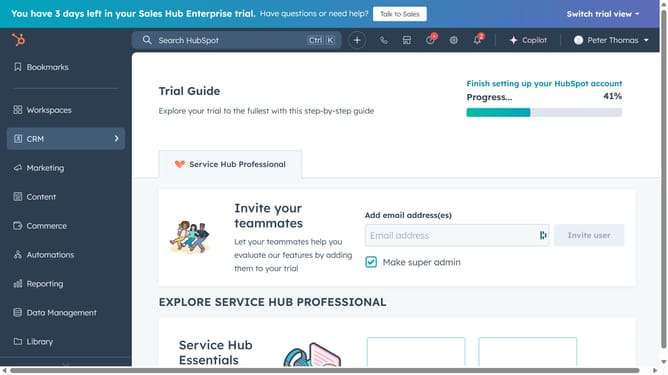
- First hover your mouse on the "CRM" icon in the left sidebar
- Then click on "Contacts" option in the CRM menu
- Then click on the "Add contacts" dropdown button
- Then select "Import" option from the dropdown menu
- Then click on "Import data" to upload a file
- Then click on the "Choose a file"
- Once the file has been uploaded, click "Upload"
- Then map out which column on the file are the emails
- Then click on "Next, confirm your choice"
- Then verify the entered number matches the contact count
- Finally click on "Begin import" button to complete the import process
Why should you import contacts in Hubspot
HubSpot is a dynamic platform designed to transform and streamline your marketing, sales, and service processes.
Importing contacts into HubSpot is a seamless process that ensures all your valuable contact data is readily accessible in one place.
This feature helps you maintain a comprehensive database, allowing for effortless communication and targeted marketing strategies.
By utilizing the import contacts feature, you enhance the efficiency and accuracy of your customer relationship management efforts, ensuring a more personalized experience for your audience.
Last update