How to set up lead scoring in HubSpot?
Here is how to set up lead scoring in hubspot
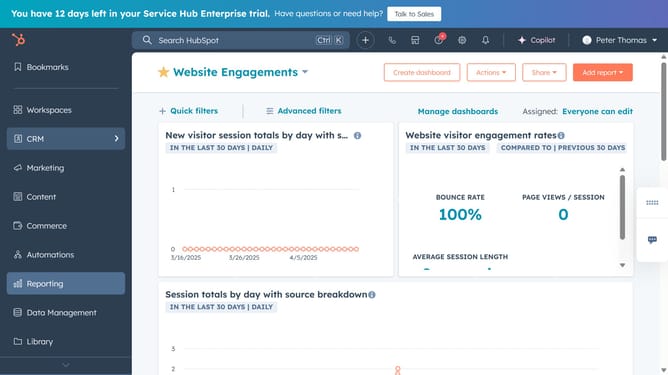
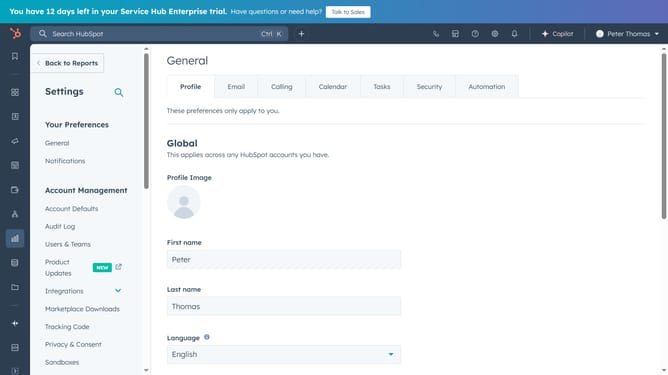
- First, click on the "Settings" icon in the top navigation bar
- Then in the left sidebar, select "Properties"
- Next, search for "HubSpot Score"
- Go to "Field Type"
- Find Positive and Negative Attributes
- Then add criteria to define points added or reduced based on lead behavior
- Assign scores to each criterion you've added
- Finally, click "Save" to save the changes
Why should you set up lead scoring in HubSpot?
HubSpot is a versatile platform designed to enhance marketing, sales, and customer service efforts. Setting up lead scoring within HubSpot allows you to prioritize potential customers by assigning scores based on their interactions with your business. This feature empowers sales teams to focus on high-quality leads, increasing efficiency and conversion rates.
By quantifying lead engagement, HubSpot's lead scoring feature provides valuable insights into customer behavior, helping you tailor communications and foster stronger relationships. Utilizing this functionality leads to more informed decisions, targeted marketing strategies, and ultimately, a robust sales pipeline.
Last update