How to integrate HubSpot with Freshsales?
Here is how to integrate hubspot with freshsales
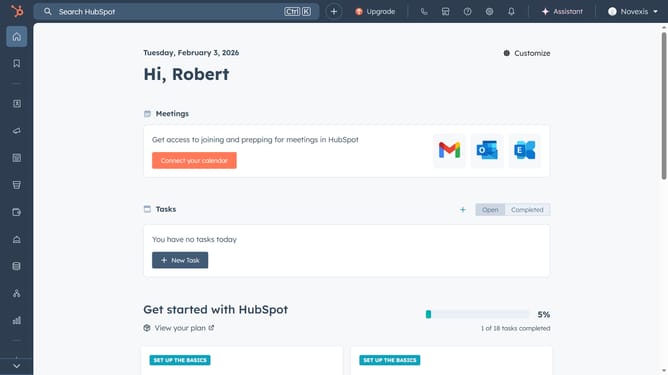
- First, click on the store icon in the top-right
- Next click on "Apps" to open the App Marketplace
- Search for "Freshsales suite" and select it from the results
- Click "Install app" to begin the setup
- Then click "Next"
- You need the subdomain and API key from Freshsales Suite to connect it
- Go to your Freshsales account and click the gear icon in the left sidebar
- Select "Apps and Integrations" in the left sidebar
- Then click "API Settings"
- Copy the API key and the domain from the URL bar
- Return to hubspot and paste both into the required fields, then click "Connect to Freshsales Suite"
- Your Freshsales account is now successfully connected
Why should you integrate HubSpot with Freshsales?
HubSpot is a leading platform for inbound marketing, sales, and customer service.
Integrating HubSpot with Freshsales allows seamless synchronization between your marketing and sales tools, ensuring both teams are aligned. This powerful integration lets you effortlessly share contact information and track interactions across platforms, boosting efficiency.
By combining HubSpot's extensive marketing capabilities with Freshsales' robust CRM features, businesses can improve customer engagement, streamline workflows, and enhance overall sales performance.
Last update