How to add dynamic quick filters on a dashboard in HubSpot
Here is how to add dynamic quick filters on a dashboard in hubspot
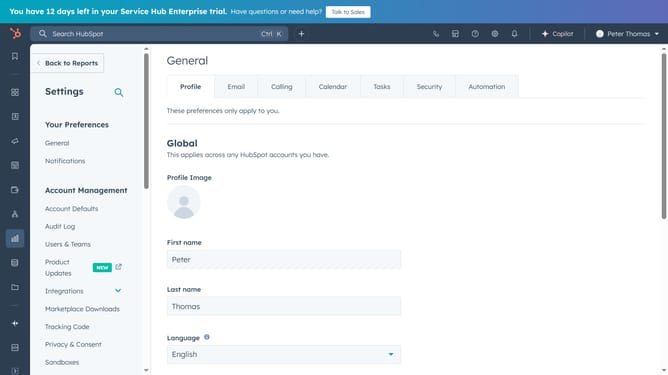
- First click on the "Reports" icon in the left sidebar
- Then click on "Dashboards" in the expanded menu
- Next click on the dashboard title dropdown in the top left corner
- Select the specific dashboard you want to add dynamic quick filters
- Next click on "Quick filters" button in the dashboard toolbar
- In the quick filters dialog, select the checkbox next to the dynamic quick filter you want to add to your dashboard
- Then click the "Add" button in the quick filters dialog
- The dynamic quick filter has now been added and is ready for use
Why should you add dynamic quick filters on a dashboard in HubSpot
HubSpot is a powerful software platform that helps businesses grow by streamlining their marketing, sales, and service operations.
Adding dynamic quick filters on a dashboard in HubSpot enhances data visualization by allowing users to swiftly narrow down datasets effortlessly.
This feature empowers users to customize their view, making data analysis more efficient and tailored to specific needs, fostering informed decision-making.
With dynamic quick filters, you save time while easily adapting to evolving business insights, enhancing overall productivity and strategic planning.
Last update