How to download your document in HubSpot
Here is how to download your document in hubspot
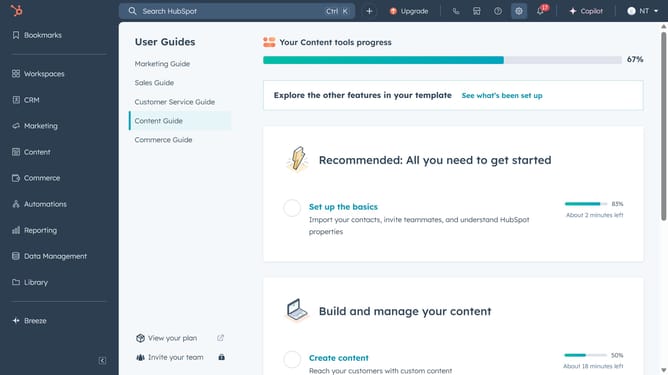
- First click on the "Library" option in the left sidebar
- Then click on "Documents" in the expanded Library menu
- Next hover over the document you want to download and click the "Actions" dropdown
- Finally click on "Download" option in the Actions dropdown menu and the file will be downloaded on your computer
Why should you download your document in HubSpot
HubSpot is an all-in-one CRM platform designed to align marketing, sales, and service teams.
Downloading your document in HubSpot is a feature that streamlines how you handle files across your campaigns and projects.
With this function, accessing essential documents becomes effortless, allowing for better time management and increased productivity in collaborative environments.
This feature fosters seamless communication, ensuring everyone is on the same page and contributing effectively to team goals.
Last update