How to connect your Gmail mail to Hubspot
Here is how to connect your gmail mail to hubspot
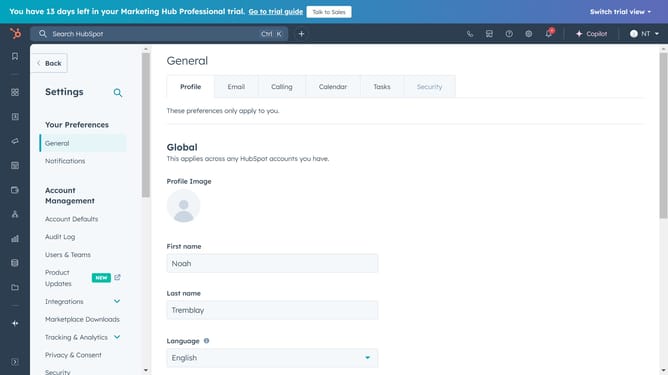
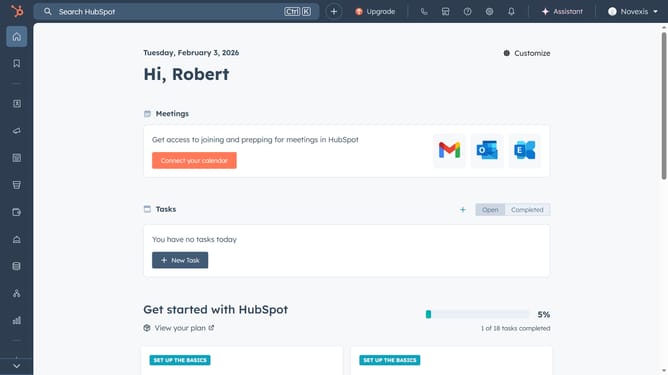
- First, click on the "Settings" icon in the top navigation bar
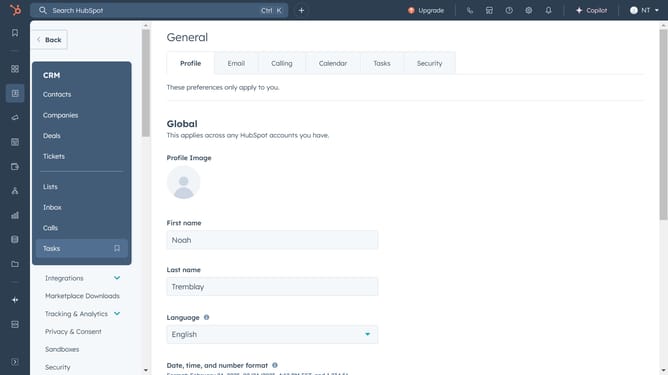
- Then click on the "Email" tab in the general settings menu
- Next, click on the "Connect personal email" button in the email settings section
- Then click on the "Connect your inbox" button in the popup dialog
- Next, click on the "Connect to Gmail" button to proceed with Gmail integration
- Then click the "Continue" button to accept the connection terms
- Finally, review the Google authorization screen showing the connection details for HubSpot, then click on Connect inbox
Why should you connect your Gmail mail to Hubspot
HubSpot is a powerful platform designed to help businesses grow through effective marketing, sales, and customer service strategies.
Connecting your Gmail to HubSpot seamlessly integrates your email communication with your customer management tools.
This feature enhances your productivity by automatically logging and tracking emails, ensuring no critical interactions slip through the cracks.
By centralizing communication, it saves time and improves collaboration, making customer relationship management more efficient and intuitive.
Last update