How to create a shareable link for your documents in HubSpot
Here is how to create a shareable link for your documents in hubspot
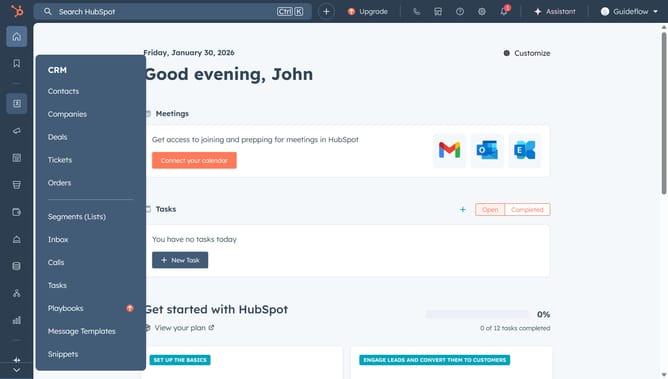
- First click on the "Library" icon in the left sidebar
- Then click on "Documents" item in the expanded Library menu
- Next hover over the document you want to share and click on the "Actions" dropdown menu
- Select "Create link" option from the Actions dropdown menu
- Alternatively, click on the name of the document
- Click on the "Create link" button in the top right corner
- In the dialog box, enter the recipient email address in the input field
- Toggle on "Require email address to view document" for individuals to enter their email and consent to be contacted before viewing the document
- Then, click on the "Create link" button to generate the link
- Finally, you can click the "Copy" button next to the generated link to copy and share it
- Alternatively, click "Compose email" button to send an email with the document link from the contact's record
Why should you create a shareable link for your documents in HubSpot
HubSpot is a powerful platform designed to enhance your marketing, sales, and service efforts with ease.
By creating a shareable link for your documents in HubSpot, collaboration becomes seamless and efficient. This feature allows you to instantly distribute important files with teams and clients, cutting down on back-and-forth emails.
Using this feature enhances productivity by enabling easy access and real-time sharing. It fosters a streamlined environment for collaboration, ensuring everyone involved is on the same page with up-to-date materials.
Last update