How to delete a file in HubSpot
Here is how to delete a file in hubspot
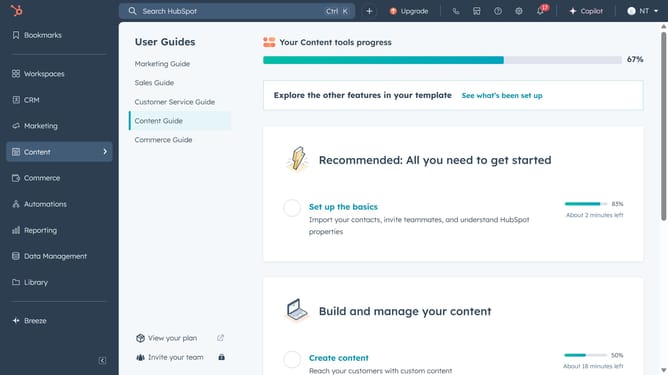
- First click on the "Library" icon in the left sidebar
- Then click on the "Files" option in the Library submenu
- Next click on the "Actions" dropdown button next to file you want to delete
- Select "Move to trash" option from the Actions dropdown menu
- Finally click on the "Move file to trash" button in the confirmation dialog
Why should you delete a file in HubSpot
HubSpot is a dynamic platform designed to enhance customer relationship management through integrated marketing, sales, and service tools.
The ability to delete a file in HubSpot allows users to maintain a clean and organized digital workspace. This feature provides users with the flexibility to remove outdated or unnecessary files, ensuring efficient storage management.
Utilizing this function means streamlined workflows, as teams can easily access the most current information without sifting through irrelevant files. Overall, it contributes to better data management and decision-making.
Last update