How to change your account's active theme in HubSpot
Here is how to change your account's active theme in hubspot
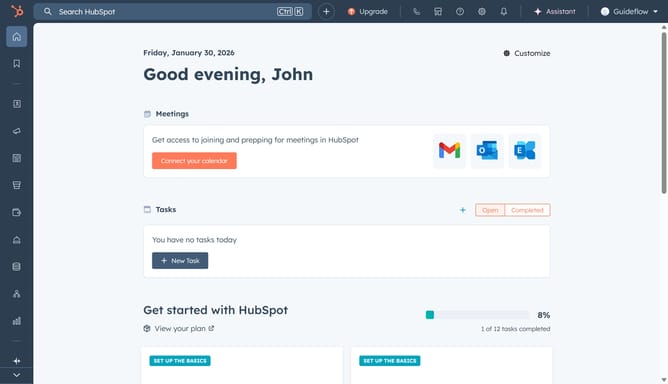
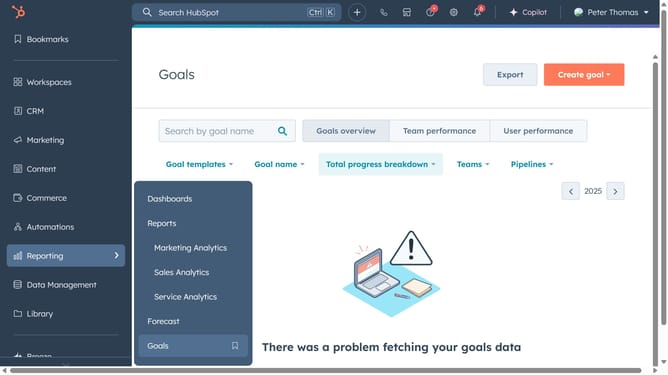
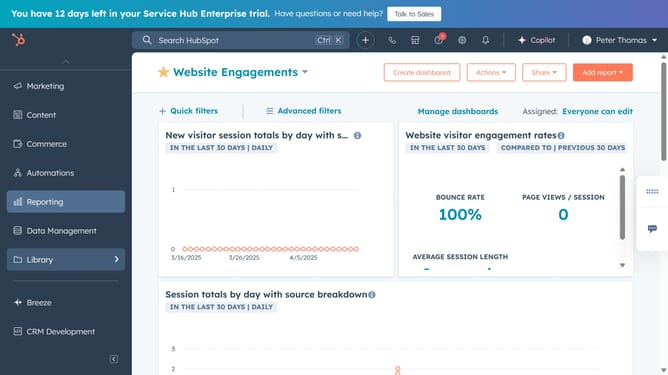
- First, click on the "Content" option in the left sidebar menu
- Then choose your content item in the submenu "Website Pages or Landing Pages"
- Next, click on the "Create" button in the top-right corner of the website pages dashboard
- Click on the theme selection area
- Click on the "Change theme" option in the theme dropdown menu
- Preview the theme and set it as an active theme by clicking "Select template"
- Finally, click on the "Save" button in the top toolbar of the page editor
Why should you change your account's active theme in HubSpot
HubSpot is a powerful platform designed to enhance your marketing, sales, and customer service activities effortlessly.
Changing your account's active theme in HubSpot is a feature that allows you to revamp the visual identity of your site with ease.
This feature ensures your website stays up-to-date with branding changes or design trends, helping to maintain engagement and user interest.
By seamlessly adapting your site's look and feel, you can align with campaign objectives and showcase your brand's uniqueness more effectively.
Last update