How to reset another user's password in HubSpot
Here is how to reset another user's password in hubspot
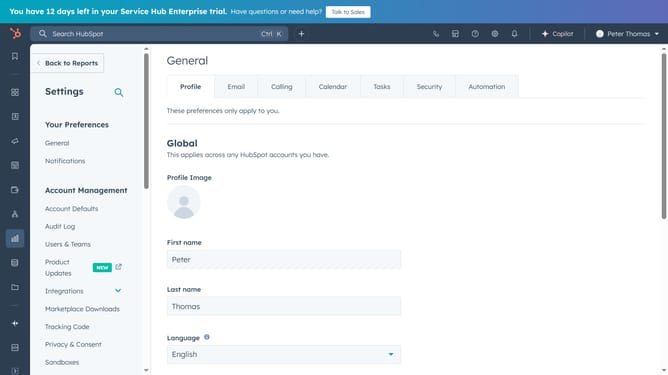
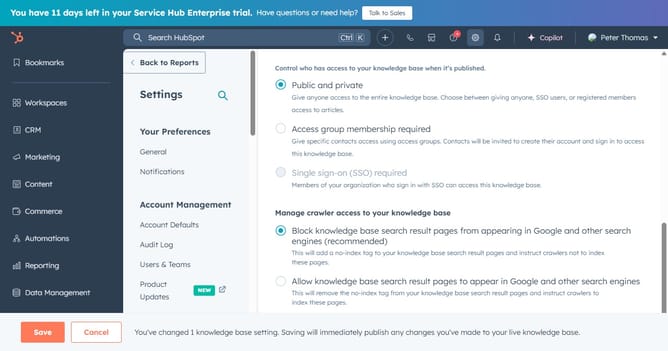
- First click on the "Settings" icon in the top navigation bar
- Then click on the "Users & Teams" in the left sidebar menu
- Next click on the "Users" tab in the main content area
- Hover over the name of the user that you want to reset password, then click the "Actions" dropdown
- Finally click "Reset password" option from the Actions dropdown menu
- The user will receive an email containing instructions to reset their password
Why should you reset another user's password in HubSpot
HubSpot is a powerful tool that brings all your marketing, sales, and service needs into one integrated platform.
The ability to reset another user's password in HubSpot ensures that workflow remains uninterrupted, maintaining team productivity. This feature empowers administrators to swiftly address access issues that team members may face.
Moreover, by using this feature, security within your organization is enhanced, as it prevents unauthorized access and helps uphold data integrity.
Last update