How to add a document in HubSpot
Here is how to add a document in hubspot
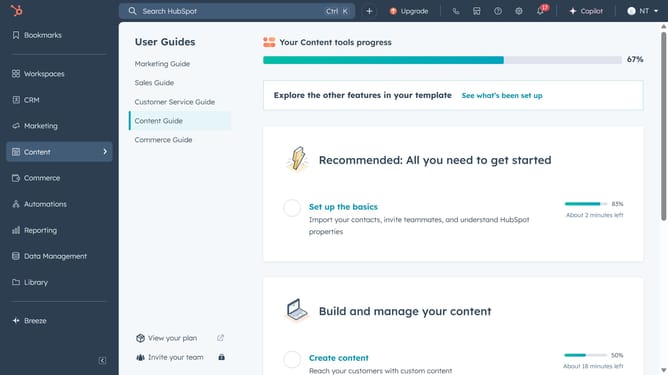
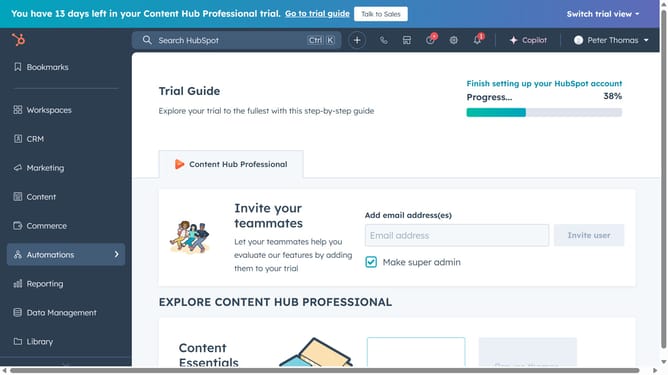
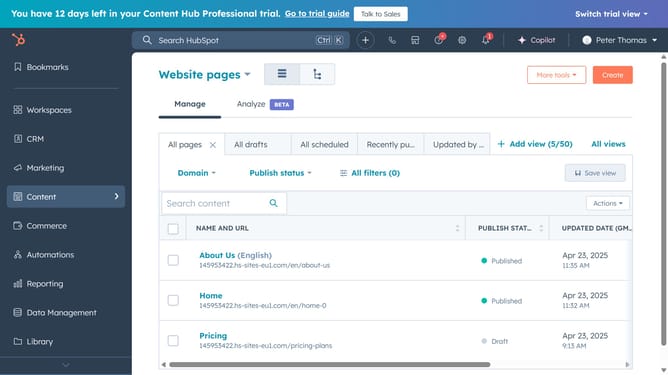
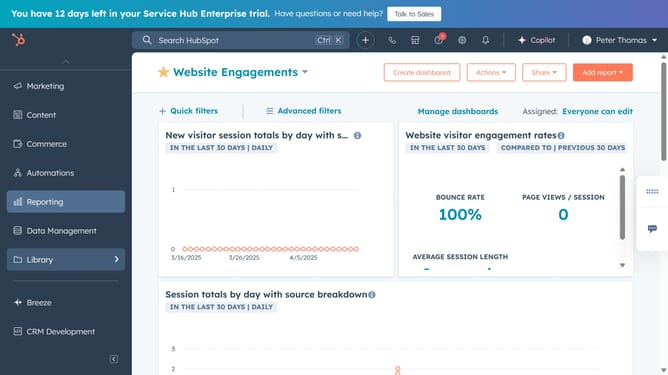
- First click on the "Library" option in the left sidebar
- Then click on "Documents" in the expanded Library menu
- Next click on the "Upload document" button in the top-right corner
- Finally select the import source for your file. Your file format must be .pptx, .pdf, .docx, or .xlsx
Why should you add a document in HubSpot
HubSpot is a dynamic platform designed to help businesses grow with efficiency by streamlining marketing, sales, and service operations.
One of the features that stands out is the ability to add documents seamlessly. By incorporating documents directly into HubSpot, it significantly enhances team collaboration and client interactions, all from one centralized location.
Using this feature not only saves time but also ensures that important information is always accessible, ultimately fostering better communication and productivity in your business processes.
Last update