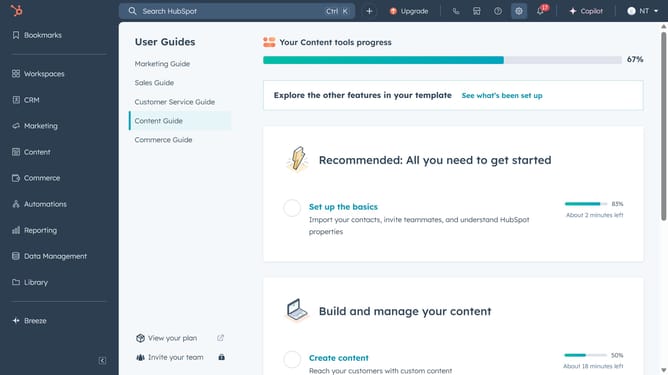
How to manage workflow settings in HubSpot
Here is how to manage workflow settings in hubspot
- First, click on the "Automations" option in the left sidebar menu
- Then click on "Workflows" in the expanded Automations submenu
- Then click on "Workflows" in the expanded Automations submenu
- Then click on the "Settings" tab in the workflow editor top menu
- Finally, set up your changes and click on the "Save" button in the workflow settings panel
Why should you manage workflow settings in HubSpot
HubSpot is an all-in-one platform designed to streamline marketing, sales, and customer service activities.
Managing workflow settings in HubSpot empowers users to automate processes, ensuring tasks are completed systematically and teams stay aligned.
This feature aids in customizing workflows, enhancing efficiency by mapping out every crucial step that a task requires.
By leveraging workflow settings, businesses can save time, reduce manual errors, and elevate team productivity, leading to more consistent outcomes and growth.
Last update