How to delete sequences in HubSpot
Here is how to delete sequences in hubspot
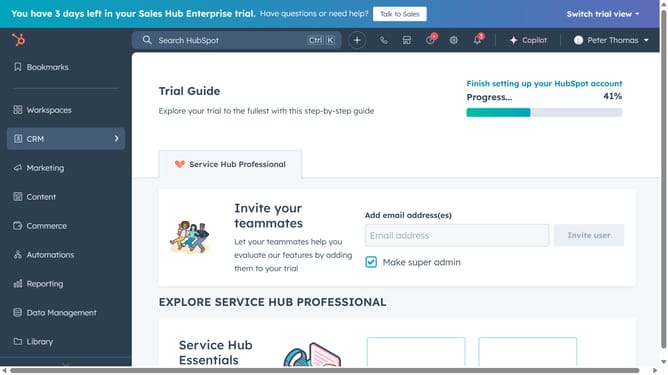
- First click on "Automations" in the left sidebar
- Then click on the "Sequences" option in the expanded automation menu
- Next click on the "Manage" tab in the top navigation bar of the sequences page
- Hover over the sequence you want to delete and click on the "Actions" dropdown menu
- Select "Delete" from the Actions dropdown menu
- Alternatively, select the checkbox next to the sequences you want to delete
- Next click the "Delete" button in the top action bar
- In the confirmation dialog, type "delete" in the confirmation textbox
- Finally click the "Delete" button to confirm the deletion
Why should you delete sequences in HubSpot
HubSpot is a powerful platform that helps businesses streamline their marketing, sales, and service processes.
One useful feature of HubSpot is the ability to delete sequences. This helps keep your CRM clean and efficient by removing outdated or unnecessary sequences, allowing your team to focus on priorities that truly matter.
By regularly managing and deleting sequences, you ensure that your messaging remains relevant and in tune with your prospects' needs. This not only enhances productivity but also boosts engagement and conversion rates.
Last update