How to delete knowledge base articles in HubSpot
Here is how to delete knowledge base articles in hubspot
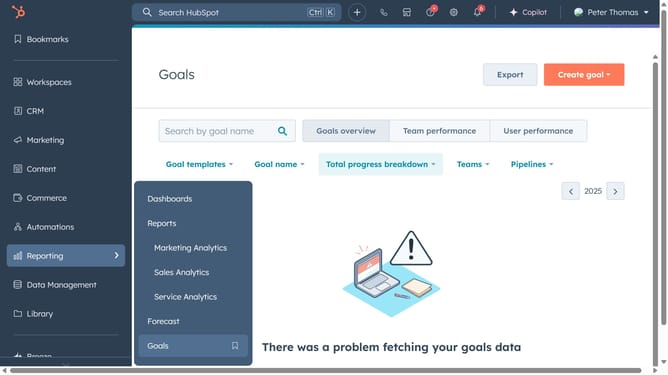
- First click on the "Content" option in the left sidebar
- Then click on "Knowledge Base" item in the Content menu
- Click on the "Manage" tab in the knowledge base section
- Hover over the article you want to delete and click on the "Actions" dropdown menu
- Select "Delete" option from the Actions dropdown menu
- Alternatively, select the checkboxes next to the articles you want to delete
- Then click on "Delete" in the top toolbar
- In the confirmation dialog box, type "delete" to confirm that you want to delete all the articles
- Finally click the "Delete" button
Why should you delete knowledge base articles in HubSpot
HubSpot is a dynamic platform designed to streamline marketing, sales, and service efforts for businesses.
One of its intuitive features allows users to delete knowledge base articles easily, ensuring your content remains current and relevant.
Removing outdated or redundant articles enhances user experience by providing up-to-date information and maintaining a streamlined knowledge base.
This feature empowers companies to efficiently manage their content, reflecting positively on brand credibility and accuracy.
Last update