How to archive knowledge base articles in HubSpot
Here is how to archive knowledge base articles in hubspot
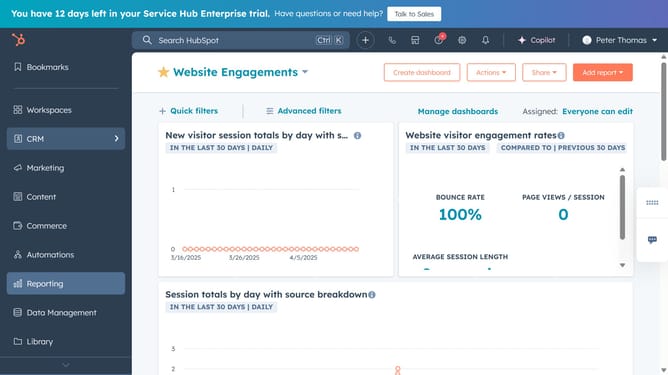
- First click on the "Content" option in the left sidebar
- Then click on "Knowledge Base" item in the Content menu
- Next click on "Manage" tab in the knowledge base content area
- Hover over the article you want to archive and click on the "Actions" dropdown menu
- Select "Archive" option in the Actions dropdown menu
- Alternatively, select the checkboxes next to the articles you want to archive
- Then click on "Archive" in the top toolbar
- Finally click on "Archive" button in the confirmation dialog to confirm the action
Why should you archive knowledge base articles in HubSpot
HubSpot is a dynamic platform designed to streamline your marketing, sales, and customer service efforts.
Archiving knowledge base articles in HubSpot allows you to maintain an organized repository of information. This feature ensures outdated or irrelevant content doesn't clutter your active resources, making it easier for users to find accurate information.
By archiving articles, you improve the efficiency of content management. It enhances user experience, boosts searchability, and helps you focus on optimizing current content, ensuring your customers receive the best support possible.
Last update