How to publish a page in HubSpot
Here is how to publish a page in hubspot
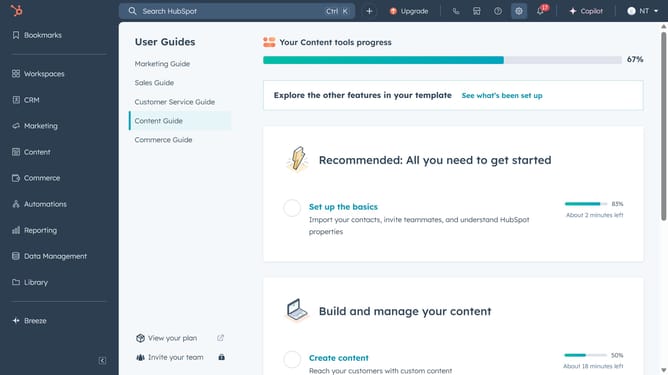
- First, click on the "Content" item in the left sidebar menu
- Then navigate to your content: "Website Pages or Landing Pages"
- Next, click on the content to publish in the content list
- To publish the page immediately, click Publish in the top right
- To schedule a page for later publishing, click the dropdown menu next to the Publish button
- In the dialog box, select the Schedule publish for later checkbox
- Finally, you click on the "Schedule" button to confirm the publishing time
Why should you publish a page in HubSpot
HubSpot is a dynamic platform designed to enhance business growth through powerful marketing, sales, and customer service solutions.
With HubSpot's page publishing feature, users can effortlessly bring their content to life on the web. This feature allows for a seamless creation process, taking your draft from conception to publication with ease.
Publishing a page in HubSpot ensures that your content remains consistently organized and easily accessible, ultimately enhancing your digital presence and efficiency. Streamlining your workflow, it saves time and simplifies content management.
Last update