How to edit a knowledge base subcategory in HubSpot
Here is how to edit a knowledge base subcategory in hubspot
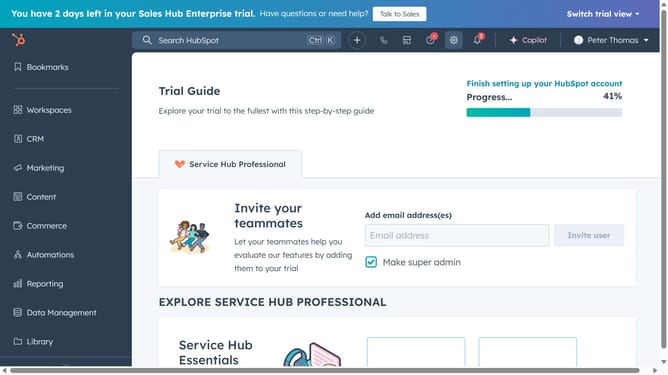
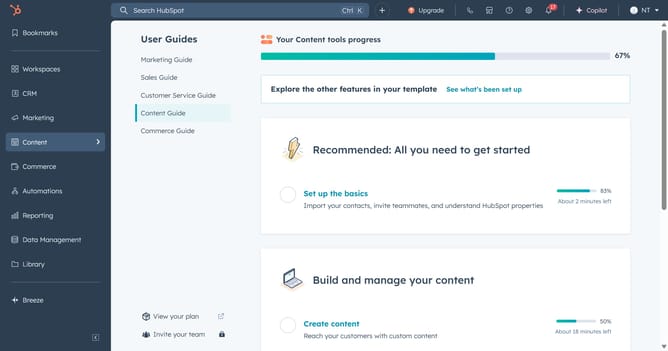
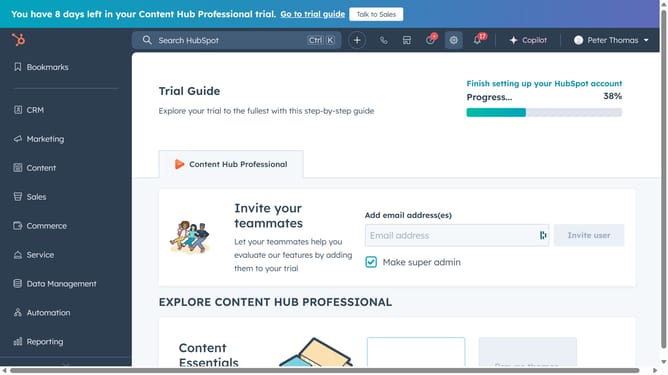
- First click on the "Content" option in the left sidebar
- Then click on "Knowledge Base" item in the content menu
- Next click the "Configure" dropdown menu button in the top navigation bar
- Select "Categories" from the dropdown menu
- Next click on the category that contains the subcategory you want to edit
- Click on the "Edit" button next to the subcategory name you want to edit
- Then edit the subcategory's name in name field
- Finally click on "Update subcategory" button to save the changes
Why should you edit a knowledge base subcategory in HubSpot
HubSpot is an all-in-one platform designed to streamline your marketing, sales, and customer service efforts.
Editing a knowledge base subcategory in HubSpot empowers you to customize and organize content for better user experience. By refining subcategories, your customers can locate the right information efficiently, reducing support requests.
This feature enhances customer satisfaction and allows you to maintain an up-to-date repository that reflects any changes in products or policies, ensuring your knowledge base remains relevant and effective.
Last update