How to edit a knowledge base category in HubSpot
Here is how to edit a knowledge base category in hubspot
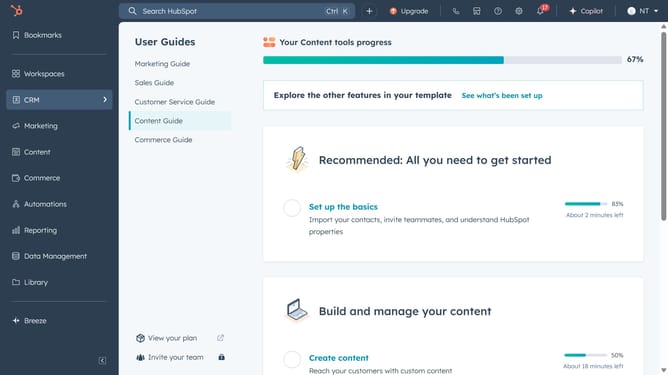
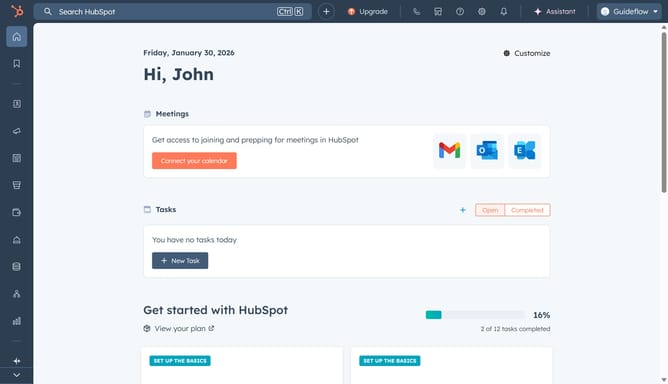
- First click on the "Content" option in the left sidebar
- Then click on "Knowledge Base" option in the content menu
- Click on the "Configure" dropdown menu in the top right corner
- Select "Categories" from the dropdown menu
- Click on the category you want to edit in the left side category list
- Next click on "Edit category" button in the top right corner
- In the dialog box, modify the category's name and description as needed
- Next click the "Knowledge base home display" tab in the left sidebar
- Then make changes to the category appearance, icons, or featured articles if needed
- Finally once done, click on "Update category" button at the bottom of the form to apply the changes
Why should you edit a knowledge base category in HubSpot
HubSpot is a pivotal platform for enhancing marketing, sales, and service efforts through intuitive tools and features.
Editing a knowledge base category in HubSpot empowers your team to organize and streamline information effortlessly. This feature provides the flexibility to update and categorize content, ensuring that your knowledge base remains relevant and easily navigable.
By efficiently managing categories, you enhance user experience and boost accessibility, making it easier for customers to find solutions swiftly.
Ultimately, this capability supports a more dynamic and responsive self-service portal.
Last update