How to edit a snippet in HubSpot
Here is how to edit a snippet in hubspot
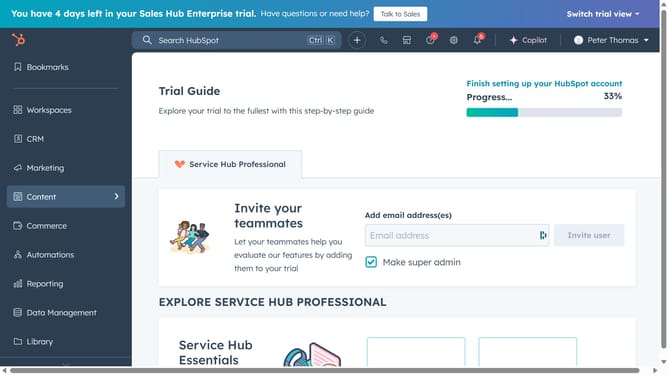
- First click on the "Library" option in the left sidebar
- Then click on "Snippets" item in the Library submenu
- Click the name of the snippet you want to edit in the snippets list
- In the dialog box, update any fields you want to change, such as the name
- You can also edit the message content as needed
- To enhance the text, use the formatting options at the bottom of the editor—you can insert personalization tokens and more
- If necessary, update the snippet shortcut
- Finally click the "Save snippet" button to save your changes
Why should you edit a snippet in HubSpot
HubSpot is a powerful tool designed to streamline marketing, sales, and customer service processes.
Editing snippets in HubSpot is a straightforward feature that helps enhance your efficiency in communication and marketing efforts. Snippets are repeatable blocks of text that can be used across various customer interactions.
Utilizing edited snippets ensures consistency and relevance, saving time for teams and improving customer interactions. This feature is invaluable for maintaining brand voice across different channels.
Last update