How to move and resize reports on a dashboard in HubSpot
Here is how to move and resize reports on a dashboard in hubspot
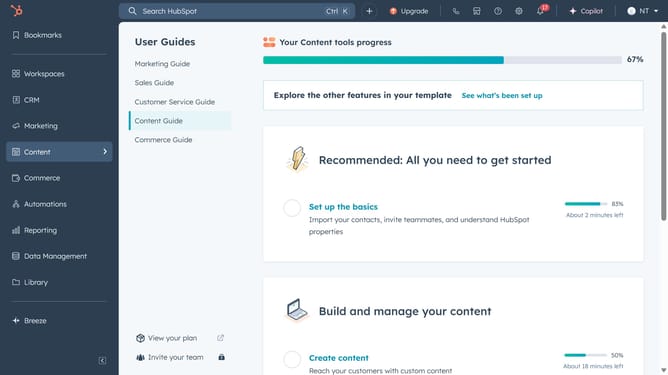
- First click on the "Reporting" icon in the left sidebar
- Then click on "Dashboards" in the Reporting submenu
- Next click on the dashboard title dropdown in the top left corner
- Select the specific dashboard you want to edit
- To reorganize the reports on your dashboard, click the report you want to move
- Drag and drop the report to the desired location on your dashboard
- To resize a report, click the bottom right corner of the report on the dotted sizing arrow
- Hold your left mouse button down and drag left or right to increase or decrease the size
Why should you move and resize reports on a dashboard in HubSpot
HubSpot is an all-in-one platform designed to empower businesses with tools for marketing, sales, and customer service.
One of its invaluable features is the ability to effortlessly move and resize reports on your dashboard. This flexibility allows users to tailor their dashboards to highlight the most crucial data right at the forefront.
Adjusting report sizes and placements can enhance data visibility and streamline the decision-making process, ensuring that the most relevant information is immediately accessible.
As a result, teams can boost productivity and maintain focus on critical metrics, optimizing overall performance.
Last update