How to reset the default view of Help Desk in HubSpot
Here is how to reset the default view of help desk in hubspot
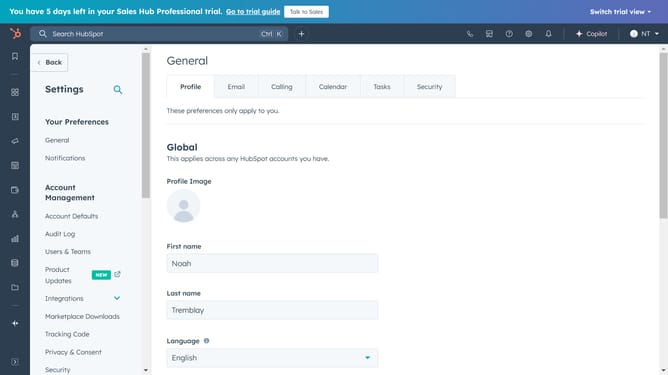
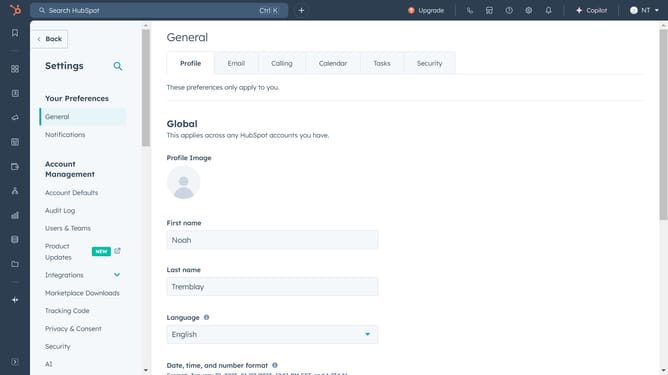
- First click on the settings button in the top toolbar
- Then click on the "Inbox & Help Desk" option in the left sidebar
- Next select "Help Desk" from the expanded menu
- Click on "Sidebar customization" link in the help desk settings area
- Locate the "Default view" row and click on the "More actions" menu (three dots) next to it
- Click on "Reset default view" option in the dropdown menu
- Finally click "Reset view" in the confirmation dialog to confirm
Why should you reset the default view of Help Desk in HubSpot
HubSpot is a robust platform designed to accelerate your business growth by optimizing your marketing, sales, and customer service processes.
Resetting the default view in the Help Desk of HubSpot is a powerful feature that reinstates order in managing customer support interactions.
It allows team members to begin fresh, streamlining workflows and ensuring no crucial updates are missed.
This feature enhances productivity by keeping the interface organized and personalized to suit changing needs, improving overall team efficiency.
Last update