How to set up and turn off notifications in HubSpot
Here is how to set up and turn off notifications in hubspot
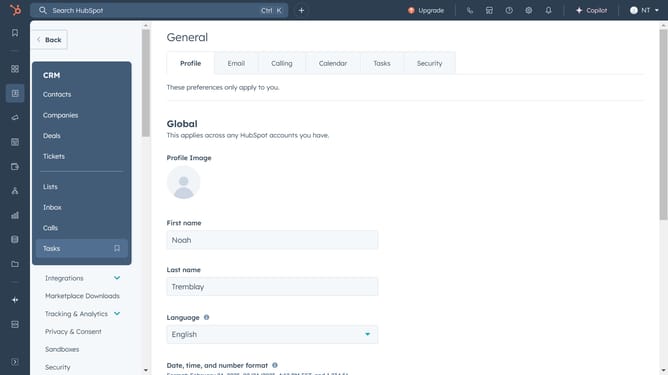
- First, click on the settings icon in the top navigation bar of the HubSpot interface
- Then click on the "Notifications" option in the left sidebar under the Your Preferences section
- Next, click on the app tabs to set the type of notifications you would like to receive
- Finally, click on the checkbox next to the one you want to expand to turn on or off the notification
Why should you set up and turn off notifications in HubSpot
HubSpot is a leading platform designed to fuel growth by optimizing sales, marketing, and customer service through connected tools.
Setting up and managing notifications in HubSpot keeps you in the loop with important updates and activities that matter most to your business.
Customizing notification settings ensures you receive critical alerts without unnecessary distractions, enhancing focus and productivity.
Whether you're tracking customer interactions or sales milestones, tailored notifications help streamline workflows and enhance responsiveness effectively.
Last update