How to set a dashboard as default in HubSpot
Here is how to set a dashboard as default in hubspot
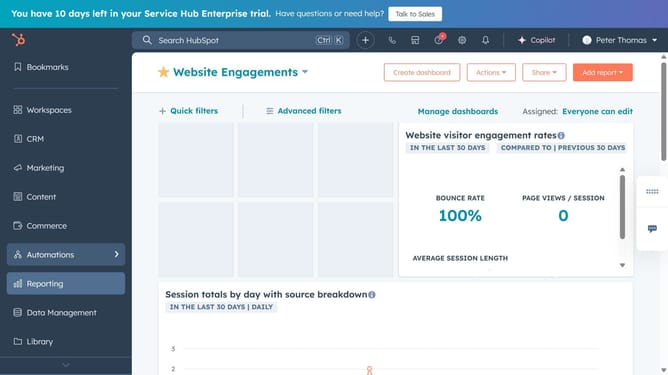
- First click on the "Reports" icon in the left sidebar menu
- Then click on "Dashboards" item in the expanded Reports menu
- Click on "Manage dashboards" link in the dashboard header
- Next hover over the dashboard you want to set as default and click on "Actions" dropdown menu
- Select "Set as default" option from the Actions dropdown menu
- Finally click on "Set as default" button in the confirmation dialog to confirm
Why should you set a dashboard as default in HubSpot
HubSpot is a powerful platform designed to streamline marketing, sales, and customer service processes.
Setting a dashboard as default in HubSpot enhances productivity by ensuring immediate access to vital metrics upon login. This feature prioritizes critical business information, fostering informed decision-making at a glance.
Utilizing this capability means traditional navigation is minimized, saving valuable time and ensuring that the data needed for strategy and performance assessments are front and center.
Last update