How to view a file history in HubSpot
Here is how to view a file history in hubspot
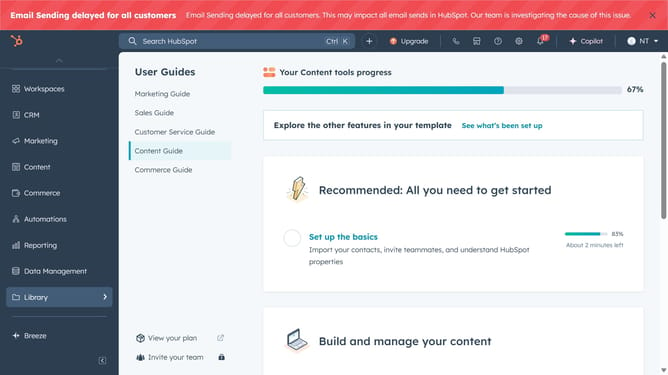
- First click on the "Library" option in the left sidebar
- Then click on "Files" in the expanded Library menu
- Next find and click on the file you want to view the history for in the files list
- In the file details panel, click on "File history" section
- Finally, click on "View full file history" link in the file history section
- Now you can view all activities performed on the file such as who uploaded the file, and any updates made to the file
Why should you view a file history in HubSpot
HubSpot is an all-in-one platform designed to transform how businesses attract, engage, and delight customers.
One of its notable features is the ability to view file history, which ensures users can track changes and updates with ease.
This feature is invaluable for teams that need a reliable record of document edits, fostering collaboration and transparency.
By utilizing file history, businesses can streamline their workflow, enhance accountability, and maintain a clear chronological order of document revisions.
Last update