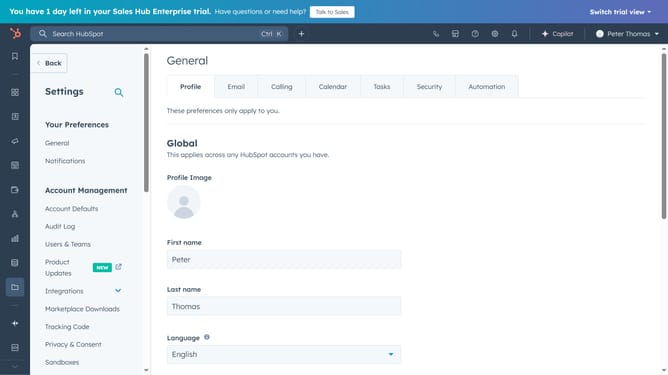
How to add actions to a workflow in HubSpot
Here is how to add actions to a workflow in hubspot
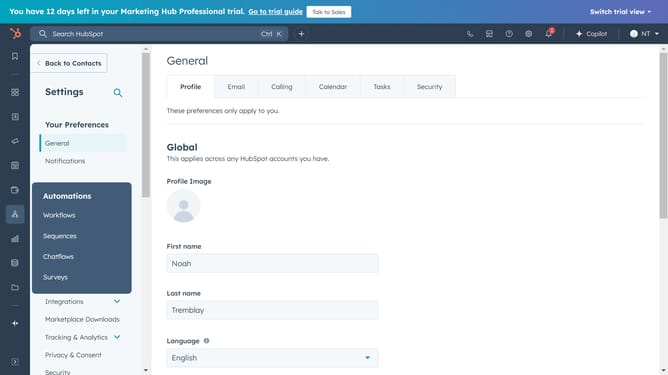
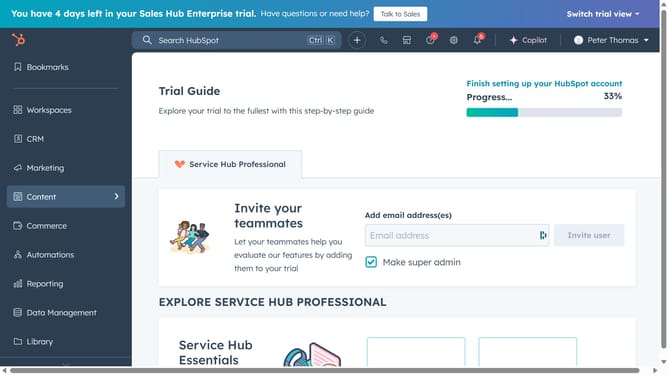
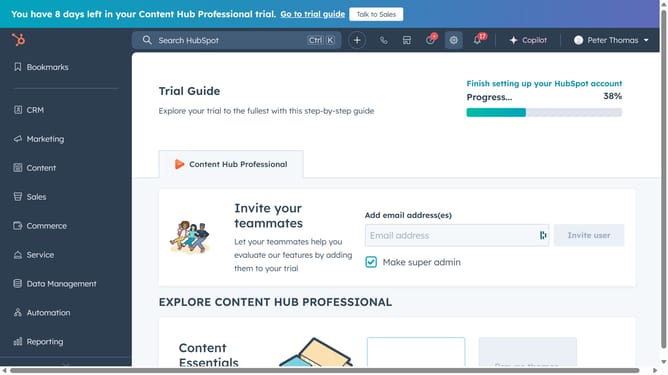
- In the left sidebar, click on the "Automations" menu item
- In the dropdown menu, click on the "Workflows" option
- In the workflows list, click on the "Edit actions" button next to your workflow
- In the top menu bar, click on the "Edit" button
- In the dropdown menu that appears, select "Add action"
- Fill in the action you want to add, then click the "Save" button in the top-right corner
Why should you add actions to a workflow in HubSpot
HubSpot is a powerful platform designed to streamline marketing, sales, and customer service processes.
Adding actions to a workflow in HubSpot enables teams to automate repetitive tasks, enhancing productivity and efficiency. This feature allows users to define triggers and subsequent actions that tailor interactions based on customer behavior.
Utilizing workflow actions ensures consistent follow-up and personalized communication with prospects and leads. By automating tasks, businesses can focus on strategic initiatives, reduce manual errors, and maintain a seamlessly coordinated approach across teams.
Last update