How to clone a knowledge base article in HubSpot
Here is how to clone a knowledge base article in hubspot
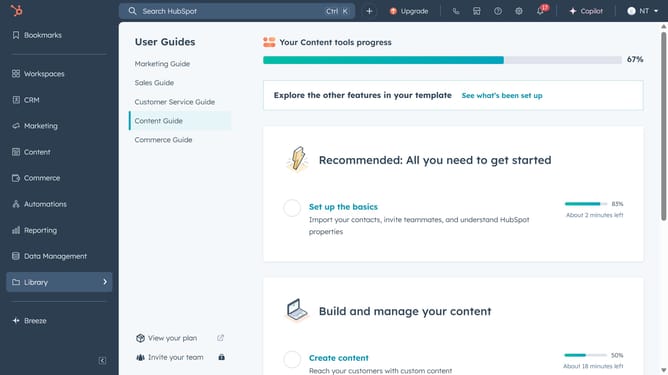
- First click on the "Content" option in the left sidebar
- Then click on "Knowledge Base" item in the content menu
- Hover over the article you want to clone and click on the "Clone" button
- In the clone dialog window, enter a new title for your cloned article and click "Clone"
- In the article editor, start making any additional edits to the article content
- Next click the "Settings" icon in the top-right corner of the editor
- In the Settings modal, adjust the article settings as needed, including the URL, category, access, and more
- Finally, click "Publish" button in the top-right corner to make the cloned article live
Why should you clone a knowledge base article in HubSpot
HubSpot is your all-in-one platform for inbound marketing, sales, and customer service.
The feature of cloning a knowledge base article in HubSpot allows users to duplicate existing content easily, facilitating efficient content management. This feature is incredibly beneficial when you want to create similar articles quickly without starting from scratch.
By cloning articles, you save time and ensure consistency across your knowledge base. It streamlines content updates and helps in maintaining brand voice and information accuracy, enhancing user experience.
Last update