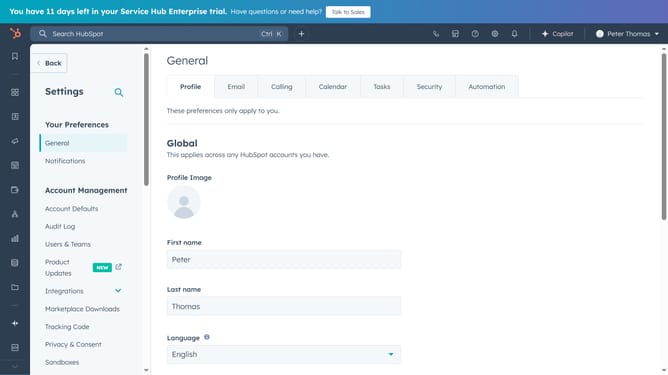
How to edit your knowledge base domain in HubSpot
Here is how to edit your knowledge base domain in hubspot
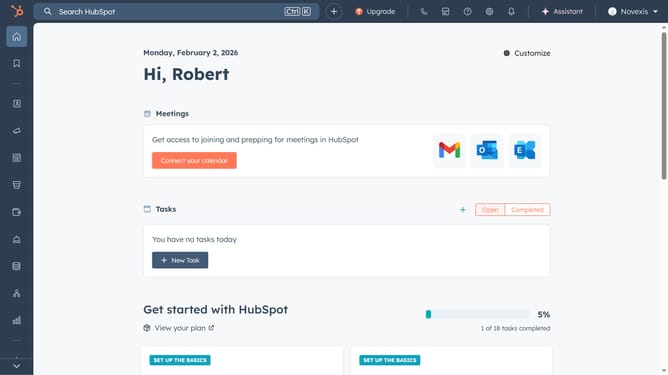
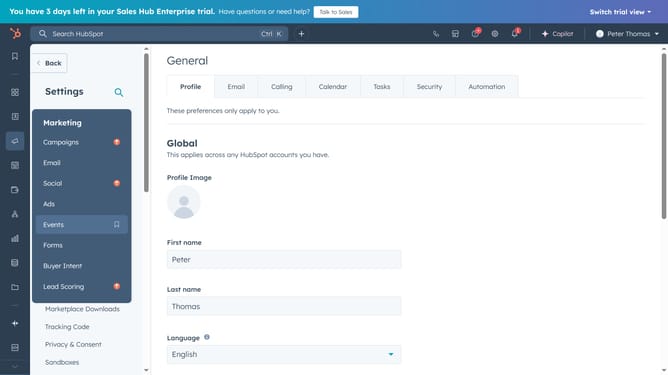
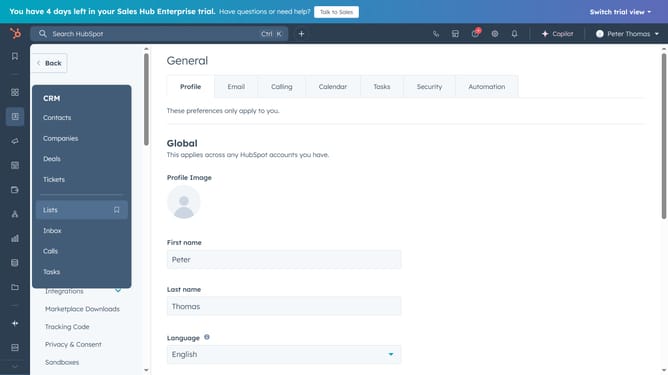
- First, click on the "Settings" Icon in the top navigation bar
- Next, click on the "Content" dropdown item in the navigation menu
- Then click on the "Knowledge Base" item in the expanded content menu
- Click on the "Knowledge base domain" dropdown field and choose a domain
- Next, enter a URL slug in the Knowledge base slug field
- Finally, click on the "Save" button in the bottom action bar to apply the changes
Why should you edit your knowledge base domain in HubSpot
HubSpot is a leading platform that empowers businesses to streamline marketing, sales, and customer service.
Editing your knowledge base domain in HubSpot ensures your branding remains consistent and professional. This feature allows you to tailor your web presence to align with your business identity, thereby enhancing credibility and trust with your audience.
By customizing your domain, you improve the accessibility and discoverability of your content, making it easier for customers to find the information they need. This leads to better customer service and satisfaction, reinforcing your brand’s reliability.
Last update