How to turn off bell icon notification in Hubspot
Here is how to turn off bell icon notification in hubspot
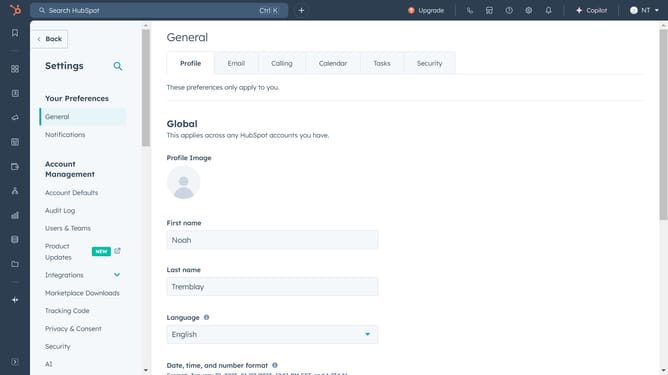
- First click on the "Settings" icon in the top navigation bar
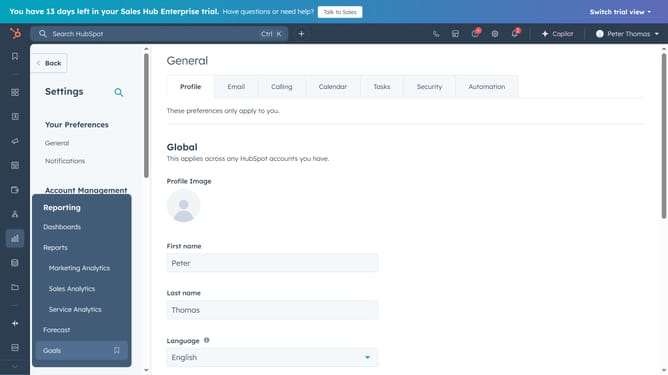
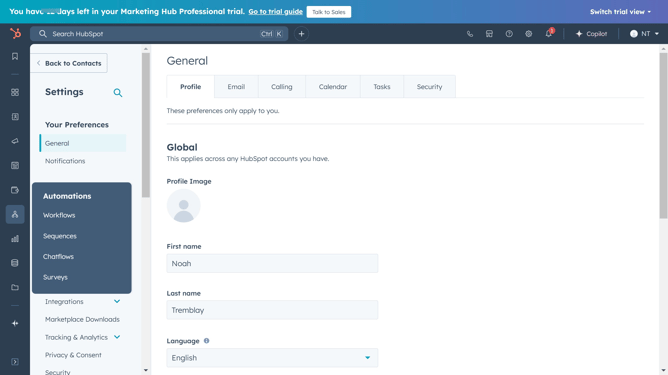
- Then click on "Notifications" in the left sidebar under "Your Preferences" section
- Finally click on "Bell" switch to turn off the bell icon notification
Why should you turn off bell icon notification in Hubspot
HubSpot is a dynamic platform designed to empower businesses with robust marketing, sales, and service tools.
One of the valuable features in HubSpot is the option to manage notifications, such as the bell icon alerts, allowing users to customize their experience. By turning off the bell icon notifications, users can focus better without the distraction of frequent alerts.
This feature enhances productivity by reducing interruptions and enabling users to engage with their HubSpot dashboard more effectively, making it easier to prioritize key tasks.
Last update