How to change the primary language of your knowledge base in HubSpot
Here is how to change the primary language of your knowledge base in hubspot
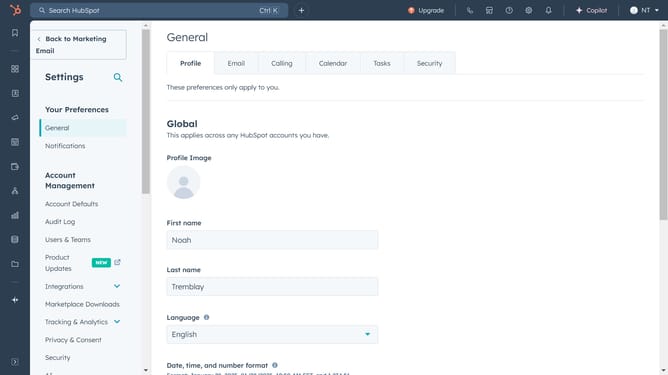
- First click on the settings icon in the top toolbar
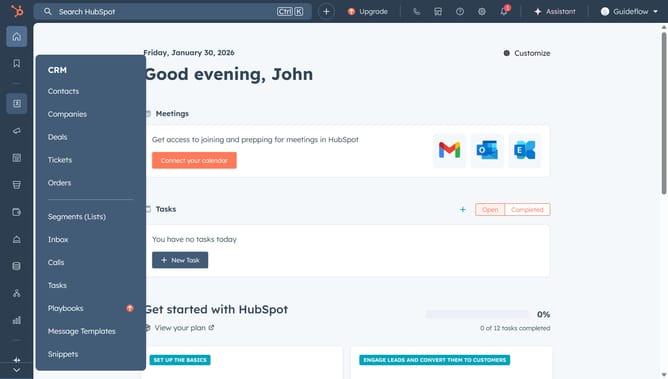
- Then click on the "Content" item in the left sidebar
- Next click on "Knowledge Base" in the expanded content menu
- In the Knowledge Base settings, click on the language dropdown menu
- Then click on "Add/edit multi language variations" link
- In the right panel, click on the primary language dropdown menu
- Select the language you want to set as the new primary language from the language options list
- A confirmation message will appear confirming the language has been changed
Why should you change the primary language of your knowledge base in HubSpot
HubSpot is a comprehensive platform designed to seamlessly connect businesses with their customers through effective marketing, sales, and service tools.
Changing the primary language of your knowledge base in HubSpot enhances accessibility and ensures information is available to a wider audience.
This feature supports global interaction, making your content more relatable to diverse client bases and fostering better communication.
By providing knowledge in a familiar tongue, you improve user experience, increase engagement, and strengthen your brand’s international presence.
Last update