How to set up an A/B test on a page in HubSpot
Here is how to set up an a/b test on a page in hubspot
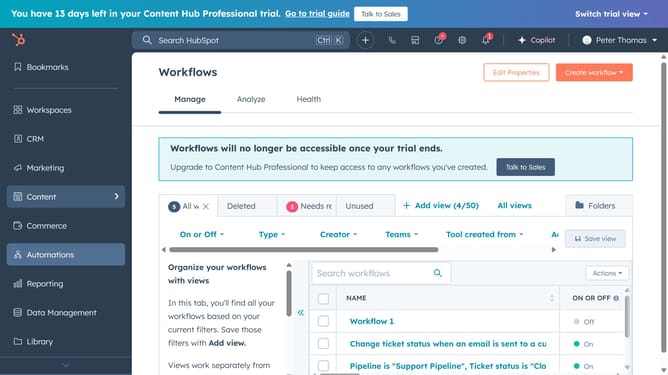
- First click on the "Content" icon in the left sidebar
- Next click on "Website Pages" or "Landing Pages" in the expanded Content menu
- Then click on the page you want to test
- In the top left, click on "File" menu
- Next click on "New" in the File dropdown menu
- Select "Run A/B test" option in the expanded menu
- Enter names for each page variation in the test setup modal
- Then click the "Create variation" button
- In the content editor, modify the variation to test different elements like headlines, images, or CTAs
- To switch to the page variation you're editing, click the test "Test variation" dropdown menu in the upper left
- Next select a variation from the dropdown
- Finally click the "Publish" button in the top-right corner to make both versions live
- Review performance data to determine the winning variation
Why should you set up an A/B test on a page in HubSpot
HubSpot is a versatile platform designed to enhance marketing, sales, and service efforts for businesses.
Setting up an A/B test on a page in HubSpot is a strategic feature that empowers users to optimize their content by comparing two versions to see which performs better.
This function is instrumental for making data-driven decisions, ensuring that businesses can seamlessly refine their strategies based on real user interactions.
By utilizing A/B testing, businesses harness valuable insights that ultimately lead to higher conversion rates and improved customer satisfaction.
Last update