How to add a new currency in HubSpot
Here is how to add a new currency in hubspot
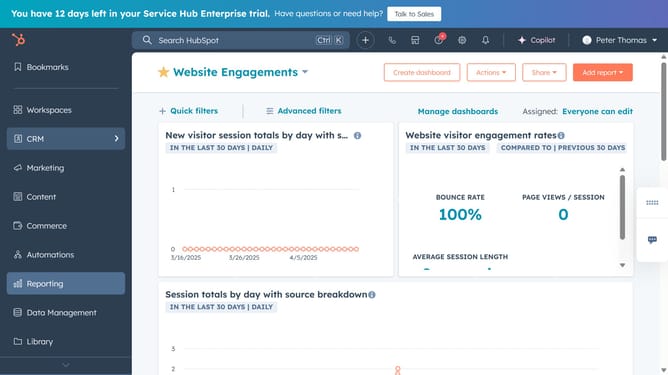
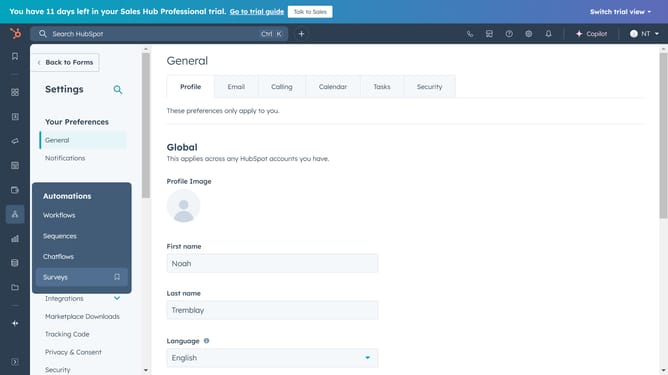
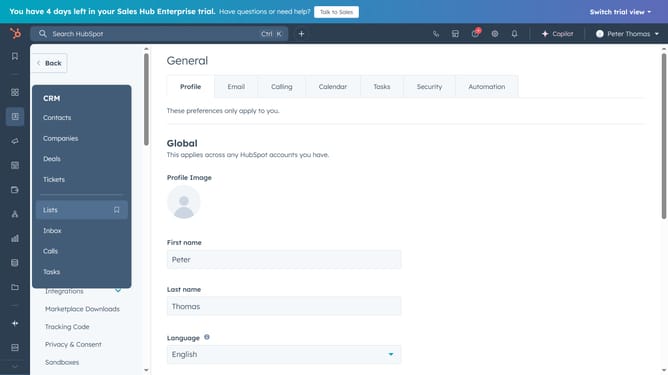
- First click on the gear icon (Settings) in the top header navigation bar
- Then click on "Account Defaults" in the left sidebar menu under Account Management section
- Next click on the "Currency" tab in the main content area
- Click on the "Add Currency" button in the currency settings panel
- Next in the dialog box, click on the currency dropdown menu to open the currency selection
- Select the desired currency from the currency options list
- Set the exchange rate for the new currency in the exchange rate input field
- Finally click the "Save" button to add the new currency
Why should you add a new currency in HubSpot
HubSpot is a leading platform that helps businesses streamline their marketing, sales, and customer service efforts.
Adding a new currency in HubSpot is a seamless feature that enables businesses to handle multiple international transactions smoothly. This capability allows companies to expand their global reach and cater to diverse markets by ensuring accurate pricing across different currencies.
Utilizing this feature fosters trust with international clients by displaying prices in their local currency, enhancing the customer experience. Additionally, HubSpot's easy currency management supports better financial reporting and strategic decision-making, promoting business growth and efficiency.
Last update