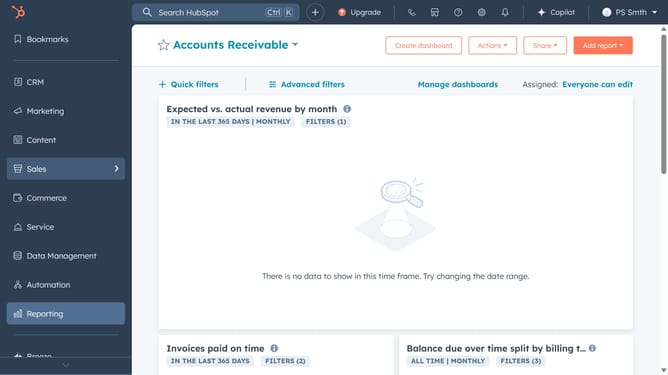
How to manage non-tabbed views in HubSpot
Here is how to manage non-tabbed views in hubspot
- Click on the "CRM" option in the left sidebar menu
- Click on the "Tasks" item in the CRM dropdown menu
- Click on the "All Views" button in the top-right corner of the tasks page
- Click on the "Default views" tab in the All Views screen
- Select the view you want to add to your tab in the Custom Views list
- Click the "Save" button in the top-right corner to confirm the changes
- You will get a notification to confirm the changes on the top page
Why should you manage non-tabbed views in HubSpot
HubSpot is a powerful platform designed to enhance marketing, sales, and service processes for businesses of all sizes.
Managing non-tabbed views in HubSpot allows users to customize their workspace to perfectly align with individual workflow needs.
By using this feature, users can streamline their daily tasks, making important data and tools easily accessible without cluttering their screen.
This tailored approach increases productivity and enhances user efficiency, ensuring that every team member can perform at their best.
Last update