How to create a snippet in HubSpot
Here is how to create a snippet in hubspot
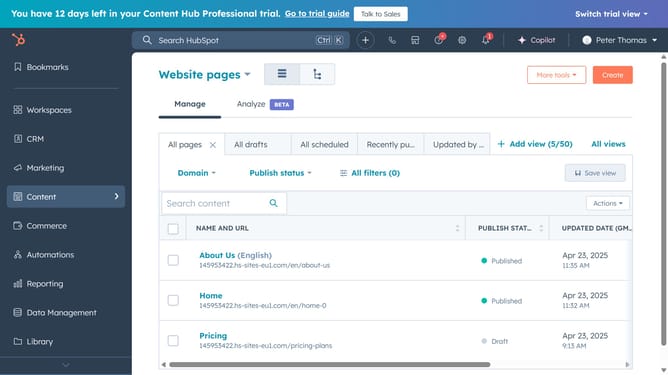
- First click on the "Library" option in the left sidebar
- Then click on "Snippets" in the Library submenu
- Next click on the "Create snippet" in the top right corner
- Enter a name for your snippet in the "Internal name" field
- Enter the body of your snippet in the snippet text area
- To modify the text, use the formatting options at the bottom of the text editor, you can add personalization tokens, and more
- In the Shortcut field, enter a name for the snippet shortcut
- Finally click on the "Save snippet" button to create the snippet
Why should you create a snippet in HubSpot
HubSpot is an all-in-one platform designed to help businesses grow and nurture customer relationships effortlessly.
Creating a snippet in HubSpot is a powerful feature that allows users to save and insert reusable blocks of text in communication with just a few clicks.
This feature is particularly useful for ensuring consistency in messages across your team, saving time, and reducing repetitive typing in emails, chats, or notes.
By utilizing snippets, you enhance efficiency and elevate the professionalism of your interactions, making each communication seamless and on-brand.
Last update