How to enroll contacts in a sequence in HubSpot?
Here is how to enroll contacts in a sequence in hubspot
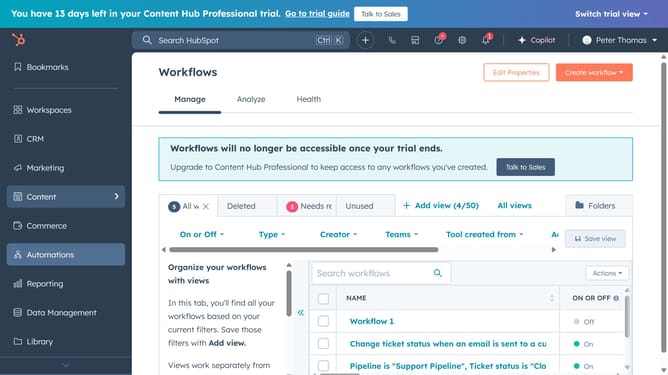
- First navigate to "Automations" in the left sidebar and select "Sequences"
- Choose the sequence you want to enroll contacts in
- Next click "Enroll contacts" in the top right
- Then select "Enroll contacts" from the dropdown
- Choose the desired contact
- Then click "Next" to proceed
- Complete the required fields such as Task Title and Notes
- Finallly click "Start sequence" to finalize the enrollment
- A confirmation message will appear, confirming that the contact has been successfully enrolled in the sequence
Why should you enroll contacts in a sequence in HubSpot?
HubSpot is a dynamic platform designed to streamline your marketing, sales, and service processes.
A standout feature is the ability to enroll contacts in a sequence, automating communication and follow-ups effortlessly. This feature allows businesses to manage their lead nurturing strategy effectively.
By automating email sends and task reminders, it ensures no lead falls through the cracks, enhancing operational efficiency and nurturing relationships consistently.
Using sequences in HubSpot boosts engagement, saves time, and helps maintain a personalized touch with your contacts.
Last update