How to delete a knowledge base subcategory in HubSpot
Here is how to delete a knowledge base subcategory in hubspot
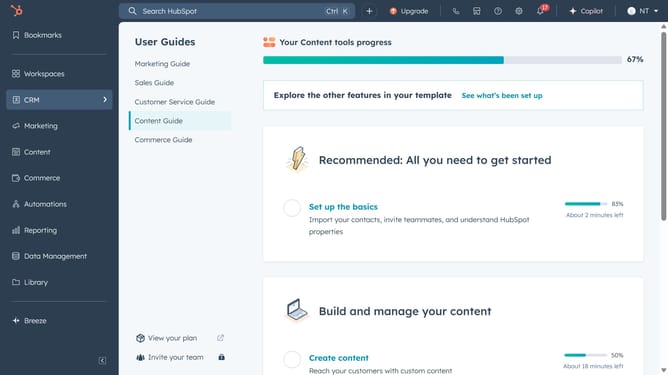
- First click on the "Content" option in the left sidebar
- Then click on "Knowledge Base" item in the Content menu
- Next click the "Configure" button in the top navigation bar
- Select "Categories" from the dropdown menu
- In the left sidebar, click on the category that contains the subcategory you want to delete
- Next locate the subcategory you want to delete and click on "Delete" next to the subcategory name
- Finally click on "Yes, delete subcategory" button in the confirmation dialog
- Subcategory successfully deleted. Please note that only subcategories without any articles can be deleted. Make sure to move or delete all articles beforehand if needed
Why should you delete a knowledge base subcategory in HubSpot
HubSpot is a leading platform designed to elevate your marketing, sales, and customer service efforts.
Efficient organization of information is paramount, and HubSpot's feature of deleting a knowledge base subcategory enhances this significantly.
This functionality allows users to streamline their knowledge bases by removing outdated or redundant information, ensuring that customers and team members have quick access to relevant content.
By refining your knowledge base, you foster a more intuitive navigation experience, ultimately increasing user satisfaction and engagement.
Last update