How to customize article feedback consent in HubSpot
Here is how to customize article feedback consent in hubspot
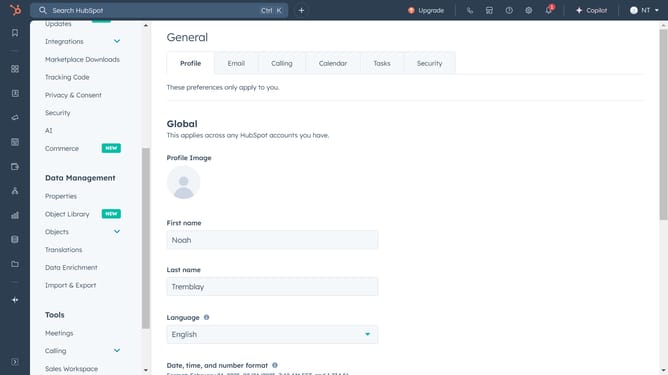
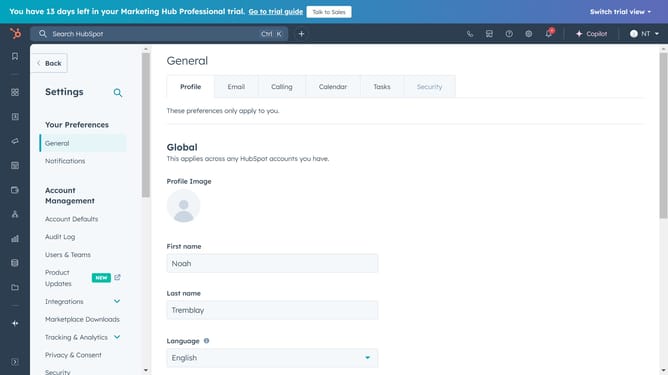
- First, click on the "Settings" icon in the top navigation bar
- In the left sidebar menu, click on the "Content" section to expand it
- Under the expanded Content section, click on the "Knowledge Base" option
- Click on the "Feedback" tab in the knowledge base settings area
- Click the Data privacy and consent dropdown menu and select an option
- Finally, click on the "Save" button to apply the changes
Why should you customize article feedback consent in HubSpot
HubSpot is a powerful platform designed to streamline marketing, sales, and customer service processes.
Customizing article feedback consent in HubSpot empowers users to tailor how they gather valuable insights from their audience.
This feature enhances user experience by allowing companies to choose how they collect feedback, which in turn helps fine-tune content strategies and improve client engagement.
By using this customization, businesses show respect for user preferences, creating trust and fostering better connections.
Last update