How to create a quote in HubSpot?
Here is how to create a quote in hubspot
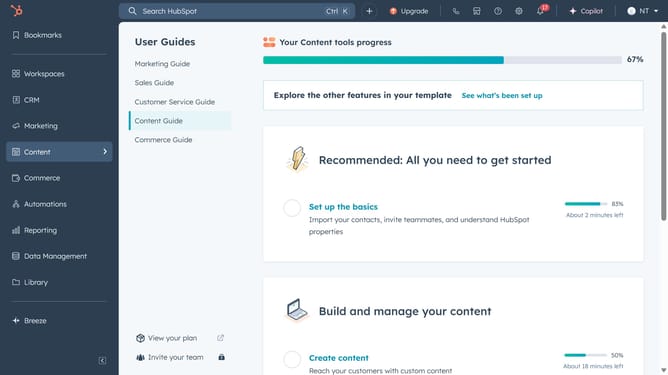
- First, click on "Commerce" in the left sidebar and select "Quotes"
- Next, click on the "Create quote" button to start creating a new quote
- Select an existing deal or create a new one
- Make sure to include the buyer's contact information
- Enter your company’s information
- Next click "Create custom line item" or "Set up product library" to add products or services products or services
- Complete all the necessary information about your product
- Then click the "Save" button to save the line item details
- Review your line item information and then click "Next"
- Select your preferred signature option
- Here, you can view and edit all your quote details
- Finally click "Next", review and publish your quote
Why should you create a quote in HubSpot?
HubSpot is a dynamic platform designed to enhance your sales, marketing, and customer service through seamless integration and automation.
In HubSpot, creating a quote is swift and straightforward, allowing businesses to generate professional, customized documents effortlessly. This feature streamlines the sales process by integrating with customer data, ensuring accuracy and consistency. Users can swiftly input details, adjust pricing, and tailor terms to suit client needs, all within HubSpot's intuitive interface.
The ability to craft precise quotes not only enhances professionalism but also speeds up deal closure, fostering a positive client experience. Using this feature can significantly boost sales efficiency and client satisfaction, making HubSpot a pivotal tool for any thriving business.