How to set advanced page options in HubSpot
Here is how to set advanced page options in hubspot
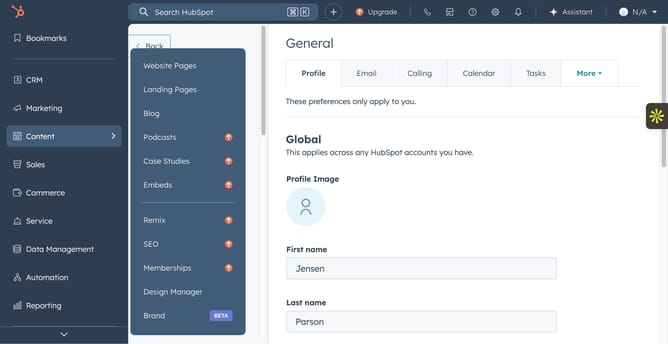
- First, click on the "Content" item in the left sidebar
- Then click on the "Website Pages or Landing Pages" dropdown in the content submenu
- Next, click on the page name in the main content area
- Then click on the "Settings" dropdown in the top menu bar
- Next, click on the "Advanced" option in the settings dropdown menu
- Then, click on the code snippets text area in the Advanced settings panel
- Click on the canonical URL text field to add a custom canonical URL
Why should you set advanced page options in HubSpot
HubSpot is a robust platform designed to empower businesses in seamlessly managing their sales, marketing, and customer service efforts.
Setting advanced page options in HubSpot is a feature that offers you the flexibility to fine-tune your web pages, enhancing their performance and user engagement.
By customizing these options, you can improve search engine visibility, ensure consistent branding, and tailor the visitor experience, ultimately leading to better conversion rates.
These features offer strategic control, making your web presence more effective and streamlined.
Last update