How to use an active theme in HubSpot
Here is how to use an active theme in hubspot
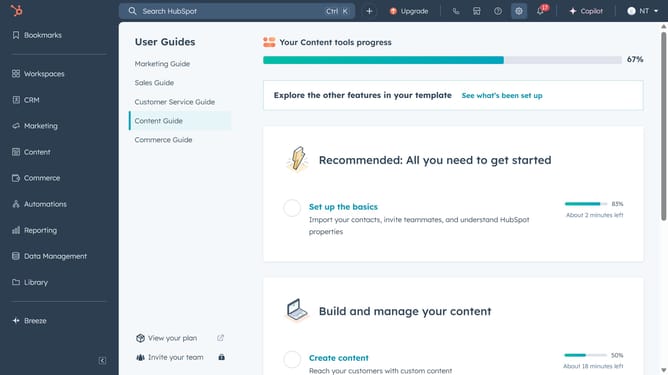
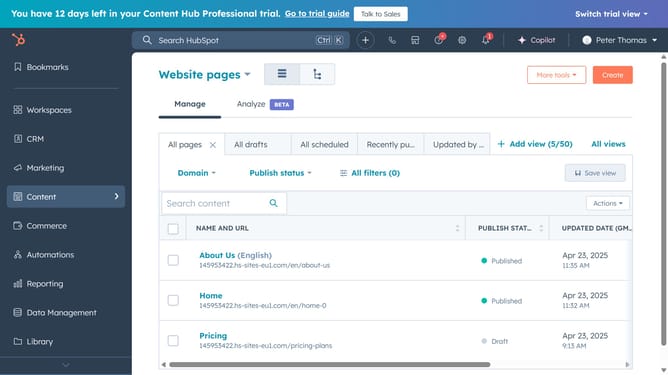
- First, click on the "Content" option in the left sidebar menu
- Then click on your content "Website Pages or Landing Pages" in the content submenu
- Click on the "Start from scratch" button
- Click the Preview button to see how the landing page template will look
- Then, click the Select Template button to choose your design
- Click the Save button to save your landing page changes
Why should you use an active theme in HubSpot
HubSpot is a comprehensive platform designed to streamline marketing, sales, and customer service efforts.
Using an active theme in HubSpot significantly enhances your website's design consistency and brand identity. This feature allows you to effortlessly integrate your style across various web pages, ensuring a visually cohesive experience for visitors.
Active themes in HubSpot also offer flexibility and customization, empowering you to adjust layouts and elements to align with your business vision. As a result, users enjoy a tailored, engaging browsing experience, driving better interaction and conversions.
Last update