How to view a list's activity log in HubSpot
Here is how to view a list's activity log in hubspot
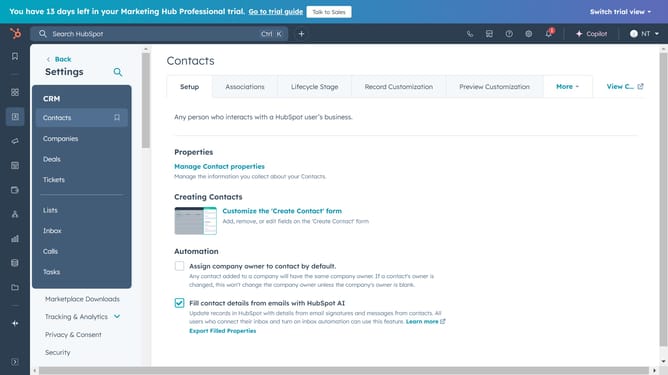
- First, click on the "CRM" option in the left sidebar menu
- Then click on the "Lists" item in the CRM submenu
- Next, click on the name of a list
- Then click on the "Activity" tab in the list details view
- Next, click on the "All event types" dropdown in the activity filters to filter for a specific event
- Click on the "All versions" dropdown to filter for an older version of a list
- Finally, click on the "Modified by" to filter for a specific user who modified the list
Why should you view a list's activity log in HubSpot
HubSpot is a versatile platform designed to enhance marketing, sales, and service processes efficiently.
One of its valuable features is the ability to view a list's activity log, providing users with insights into how their lists are being utilized and altered.
This feature is integral for maintaining organization and assessing changes or patterns over time, ensuring that your marketing strategies remain relevant and effective.
Tracking activity logs boosts transparency, aids in strategic planning, and fortifies data-driven decision-making.
Last update