How to add a document to an email template in HubSpot
Here is how to add a document to an email template in hubspot
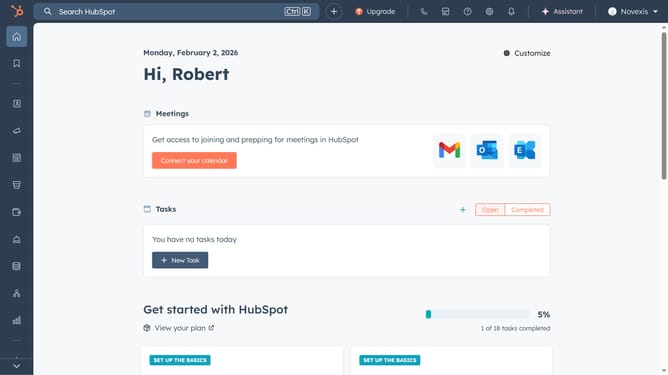
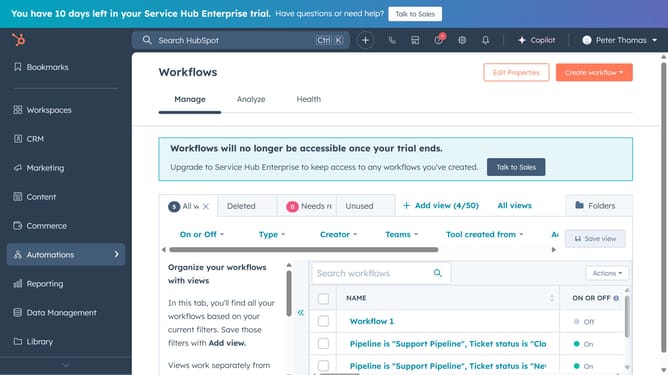
- First click on the "Library" option in the left sidebar
- Then click on "Templates" in the Library submenu
- Click on existing email template from the list or create a new one
- Next click on the "Insert" button in the email editor toolbar
- Select "Document" option from the Insert dropdown menu
- Click on the document dropdown field to select a document
- Select the document you want to add to the template
- Select the checkboxes for “Require email to view document” and “Include link preview”
- Finally, click the "Insert" button to add the document to the template
Why should you add a document to an email template in HubSpot
HubSpot is a powerful all-in-one CRM platform designed to streamline marketing, sales, and customer service efforts.
Adding a document to an email template in HubSpot facilitates seamless communication by ensuring recipients receive all necessary content directly in their inbox. This feature supports a personalized and comprehensive user experience.
Using this capability not only saves time but also enhances engagement, as important documents are conveniently accessible alongside email content, promoting informed decision-making for recipients.
Last update