How to create association labels in HubSpot
Here is how to create association labels in hubspot
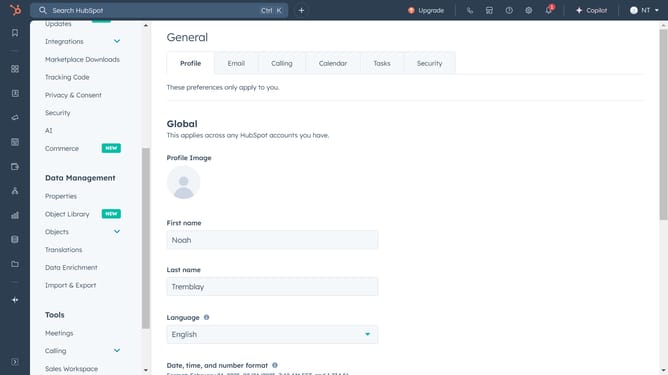
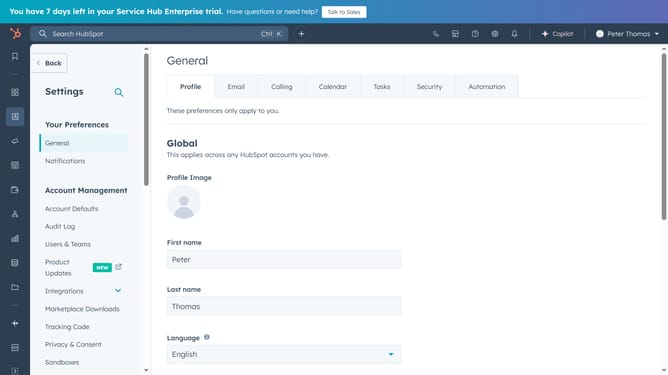
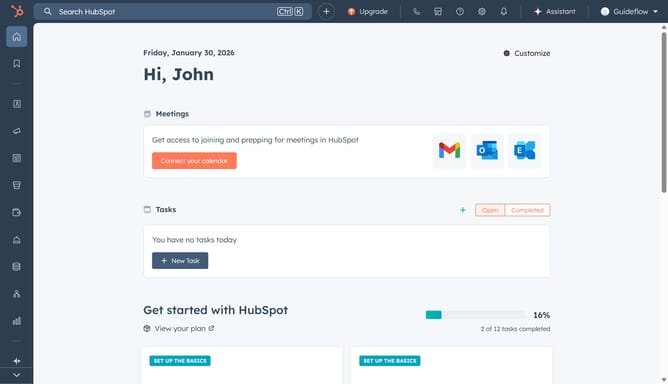
- First click on the settings icon in the top navigation bar
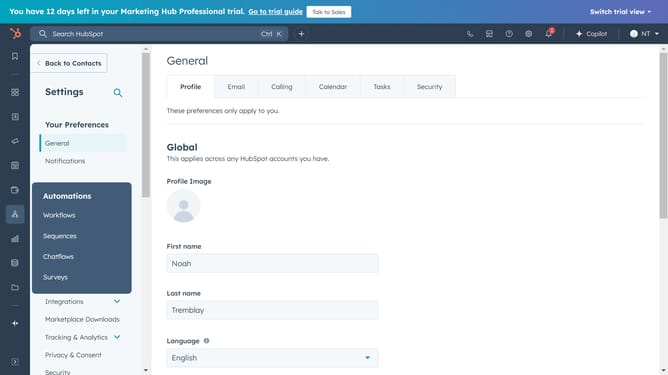
- Then click on the "Objects" section in the left sidebar menu
- Next select the object based on where you want to create labels (Contacts, Companies, Deals, or Tickets)
- Click on the "Associations" tab
- Then click on "Create and configure" button
- Click on "Create and configure label limits" option
- Click the "Objects you're associating" dropdown
- Select the relationship type (e.g., Contact to Contact, Contact to Deal, etc )
- Select the type of label you want to create
- Enter the name for the labels
- Then click "Next" button to proceed
- Finally click "Create" to finalize and apply the new association label
- Your association label is now ready for use
Why should you create association labels in HubSpot
HubSpot is a versatile platform designed to optimize marketing, sales, and customer service processes.
Creating association labels in HubSpot allows users to effectively categorize and track relationships within their CRM. This feature enhances the organization by enabling precise tagging of contacts, companies, and deals.
By utilizing association labels, businesses can gain deeper insights into connections and interactions, leading to more informed decision-making. It also streamlines workflows and fosters better team alignment, ultimately driving growth and efficiency.
Last update