How to create custom currency properties in HubSpot
Here is how to create custom currency properties in hubspot
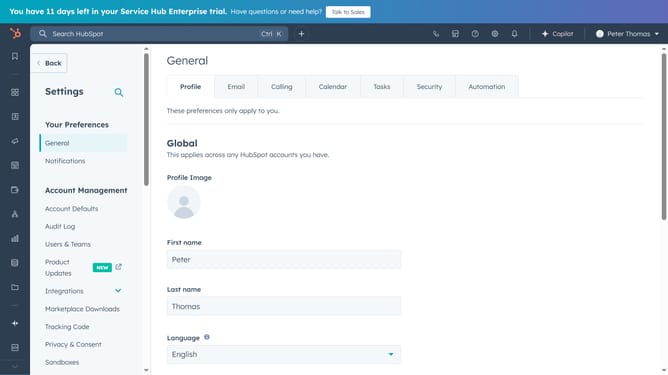
- First, click on the "Settings" button
- Then click on the "Properties" option in the left sidebar
- In the upper right, click Create property
- Then click the Field type tab
- Select "Calculation" or "Number" then the "Create" button in the top right corner to complete it
Why should you create custom currency properties in HubSpot
HubSpot is a versatile platform designed to help businesses grow through effective marketing, sales, and service solutions.
One powerful capability within HubSpot is the ability to create custom currency properties. This feature allows you to tailor financial information to meet your specific business needs, ensuring more accurate data management.
Utilizing custom currency properties enhances your financial tracking by accommodating transactions in multiple currencies, thus promoting global business operations. This adaptability ensures your business can seamlessly manage international transactions, empowering data-driven decision-making.
Last update